Checklists, assets and purchasing for your business
Keep routine checks, equipment maintenance, complaints and supplier orders in one place. Turn on the modules that fit your team.
Keep routine checks together
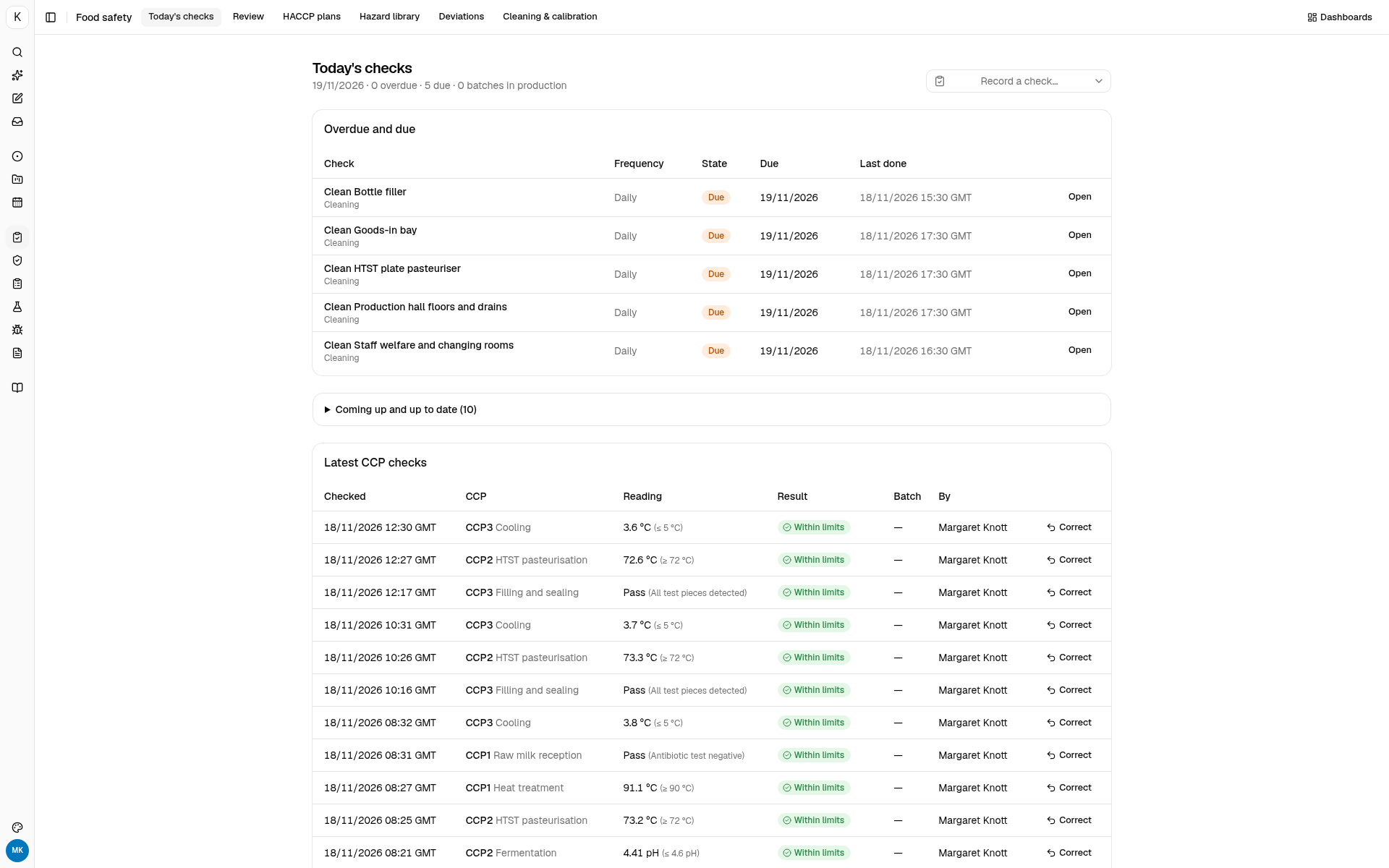
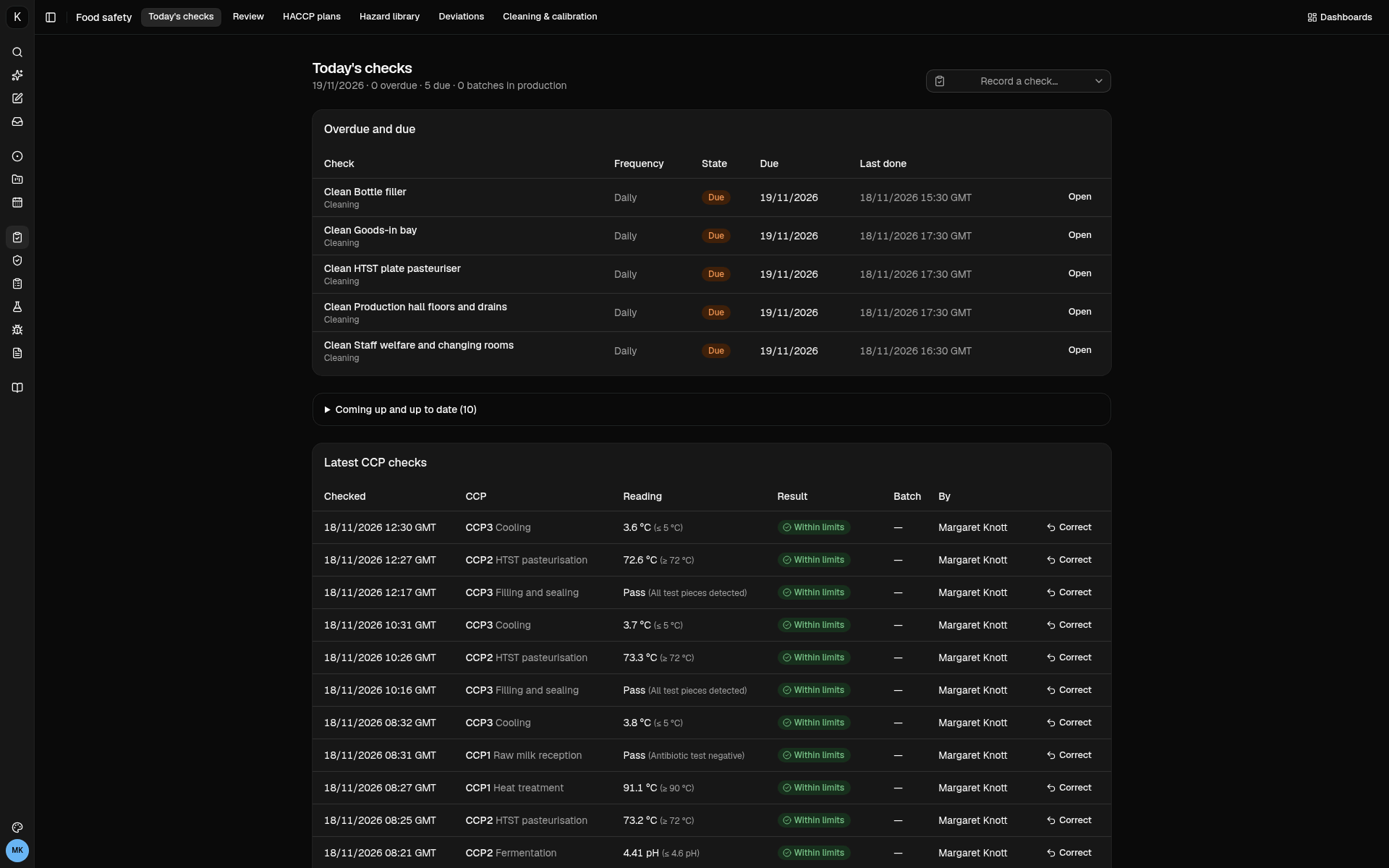
Create reusable checklists for opening, closing, handover or another routine. Set a recurring interval or complete a check as needed, record the results and follow up failures. Checklists works on its own.
Look after equipment and other assets
Keep areas, equipment, vehicles, IT and tools in the shared Assets register. Add Maintenance for recurring tasks, records of completed work and work orders for breakdowns and requests.
Order services and non-stock goods
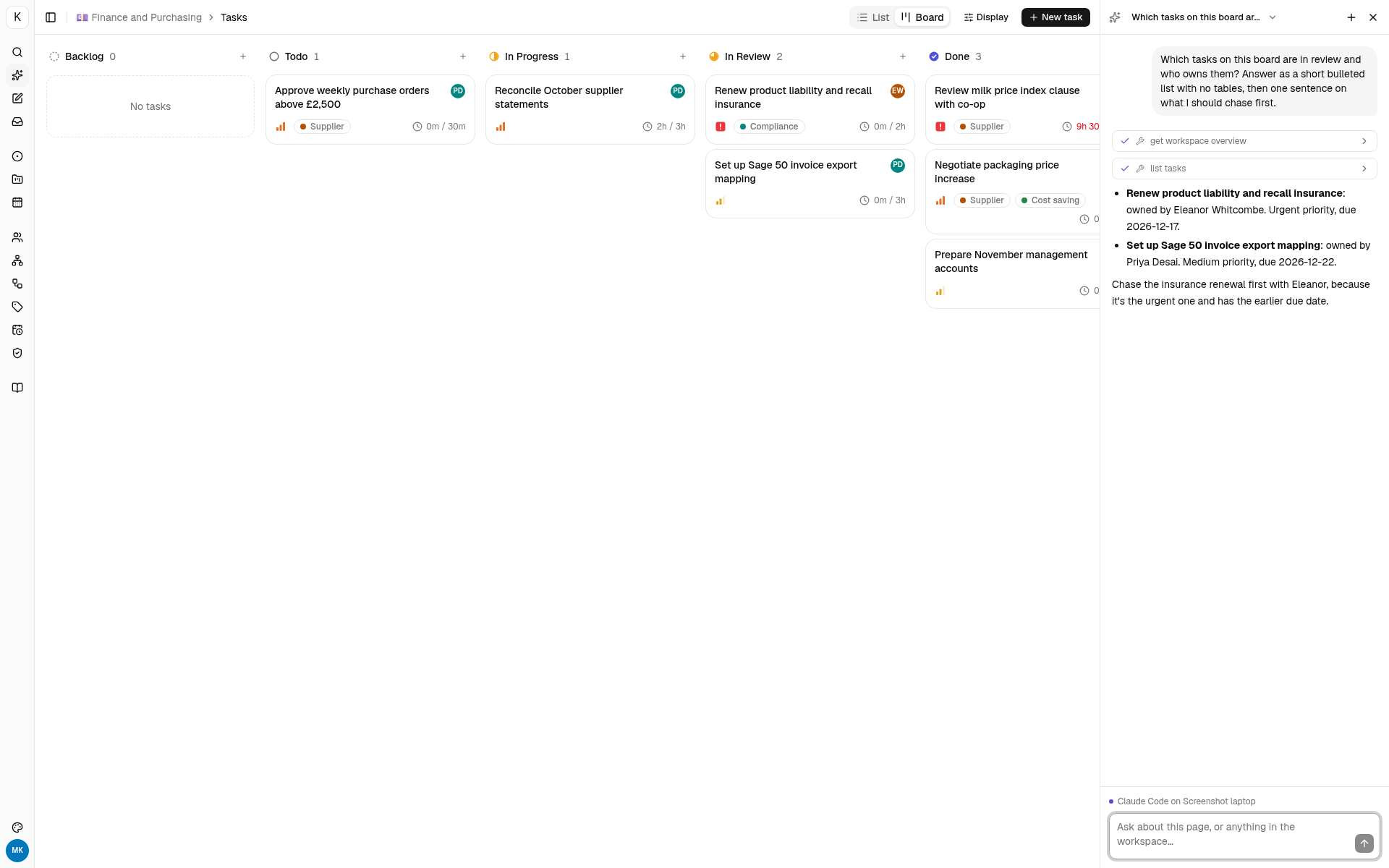
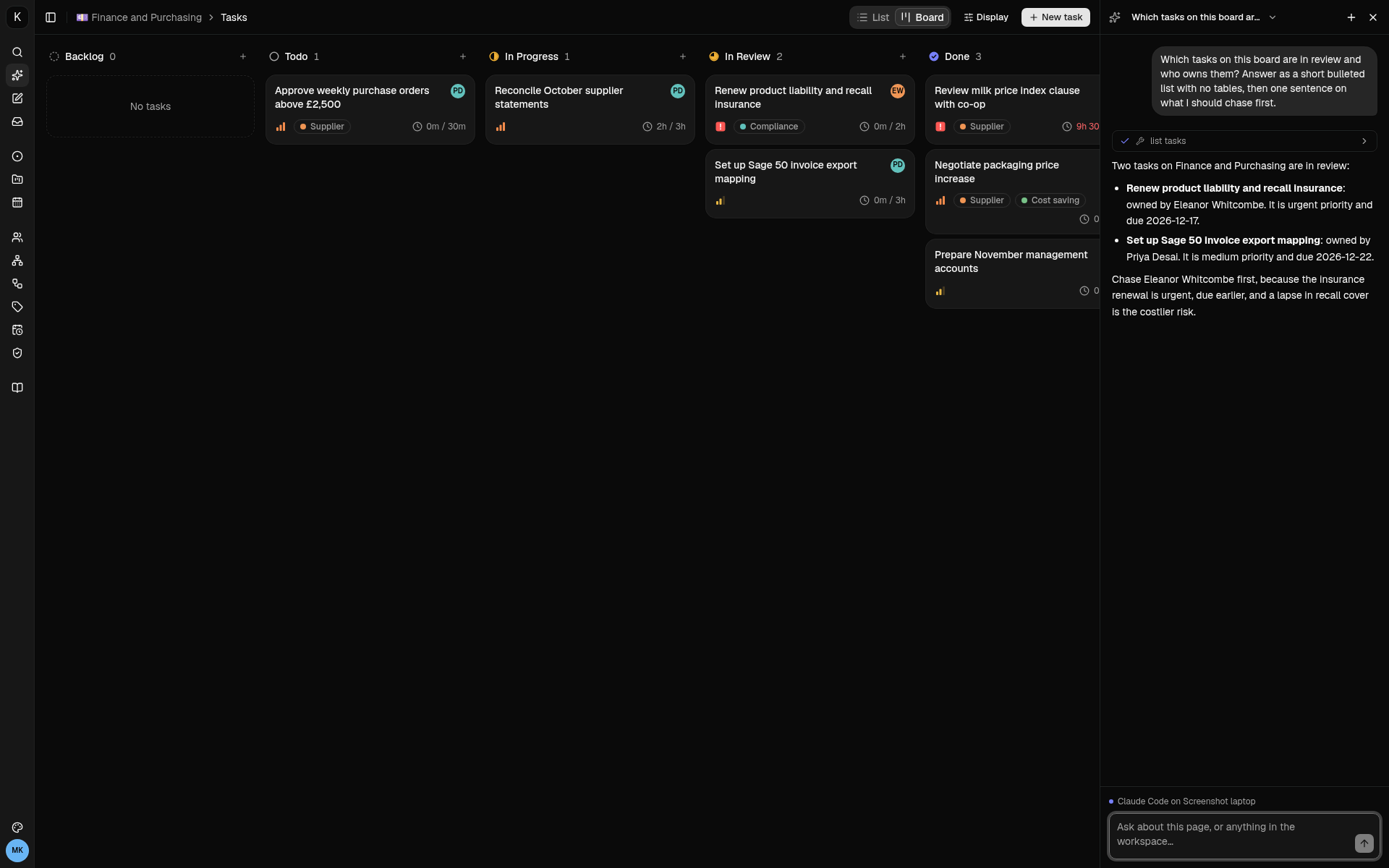
Use Purchasing with the Items and supplier register to raise orders for services, subscriptions or goods you do not keep in stock. Record receipts and match supplier invoices against the order and receipt.
Record and follow up quality issues
Track complaints, non-conformances and internal audits with Quality on its own. Add Stock when you need lot links and mock recalls.
What it isn't
Set up your workspace around the workflows your team uses.
Accounting stays with finance
Use Purchasing for orders, receipts and supplier invoice matching. Your accounting software keeps the ledger. The optional Accounting module can send approved supplier bills to Xero, but it is off by default and tested only against a simulated Xero.
Your team runs the installation
Knotworking is self-hosted. Your team handles installation, updates and backups.
The modules behind this
Each is a separate module, switched on for the installation and then granted person by person.
Operations
- ChecklistsReusable checklists, recurring schedules, completed checks and follow-up actions for failures. Site programmes can use them for food checks.
- AssetsA shared register of areas, equipment, vehicles, IT and tools, with locations, purchase and warranty details, and owners.
- MaintenanceRecurring asset maintenance, completed work records and work orders for breakdowns and requests.Needs Assets.
- QualityComplaints, CAPA, internal audits, mock recalls, incidents and authenticity assessments.
- PurchasingPurchase orders for stock and non-stock goods, services and subscriptions, receipts, three-way invoice matching and supplier performance.Needs Items and suppliers.
- Items and suppliersA catalogue of materials, components, products and services with units, costs and approved suppliers.
Questions
- Can I use checklists on their own?
- Yes. General checklists need only the Checklists module. You can schedule recurring checks or complete them as needed.
- Do I need stock to buy services?
- No. Purchasing needs Items and suppliers, but Stock is optional for non-stock orders, receipts and invoice matching.
- Can I use Quality without Stock?
- Yes. Complaints, non-conformances and internal audits work without it; some other quality features need related modules.
Related solutions
- Professional servicesFixed-fee or hourly quote to delivery project, sign-off and a billing CSV or invoice.
- Trades and field servicesSite job projects, equipment, maintenance, checklists, materials and time.
- HACCP recordsThe plan, the monitoring and the corrective actions together.
- ERP for AI agentsA short MCP tool list that grows module by module, limited to one person's access.
In the docs
Up and running this afternoon.
Clone it, set a few values and start it with Docker. Caddy, the web app, the API and Postgres come up together on your own machine. There's no account with us and no per-seat bill.
git clone https://github.com/knotworking-oss/knotworking.git
cd knotworking && cp deploy/env.example deploy/.env
docker compose --env-file deploy/.env up -d --build
Set up Knotworking ERP using the instructions in this Markdown file.
https://knotworking.dev/docs/agent-install.md