Bills of materials, routings and job cards for manufacturers
Define what a product is made from, the operations that make it and where each one is done. Then run batches against stock and record the time, good units and scrap at every operation.
A catalogue that isn't only food
Items holds raw materials, components, consumables, spare parts, merchandise and services, as well as packaging, work in progress and finished goods. Each has a unit, a standard cost and supplier links. Units cover mass, volume and count, and also length (mm, cm, m), area (mm², cm², m²) and time (s, min, h). Length, area and time convert only within their own kind.
A bill of materials is a versioned recipe. Without Food items, the app calls them bills of materials and their lines materials. A bill has a yield, scales to any batch size and rolls up its cost. A person approves a version before it can be used, and only the approved version is planned into a batch.
Work centres and routings
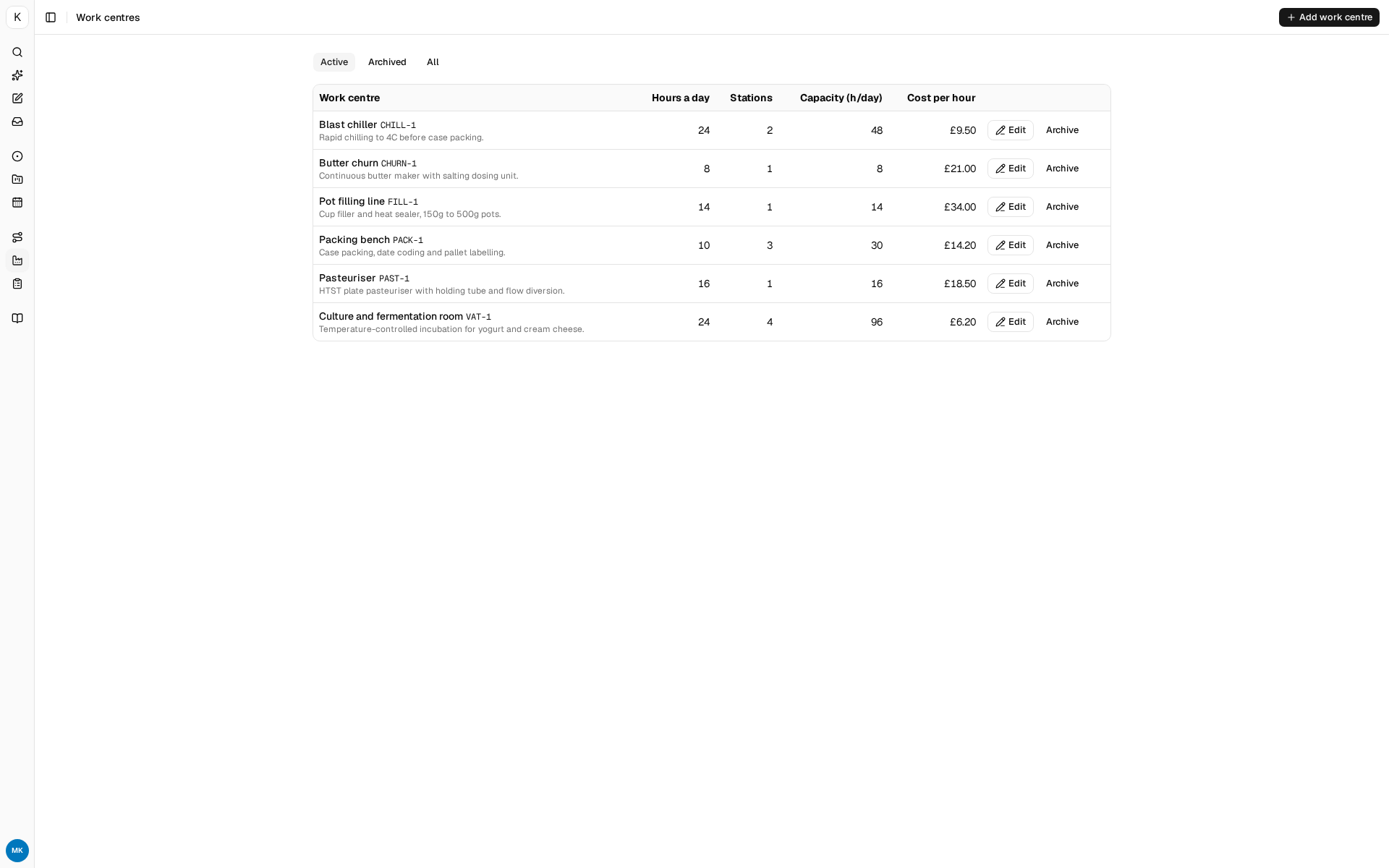
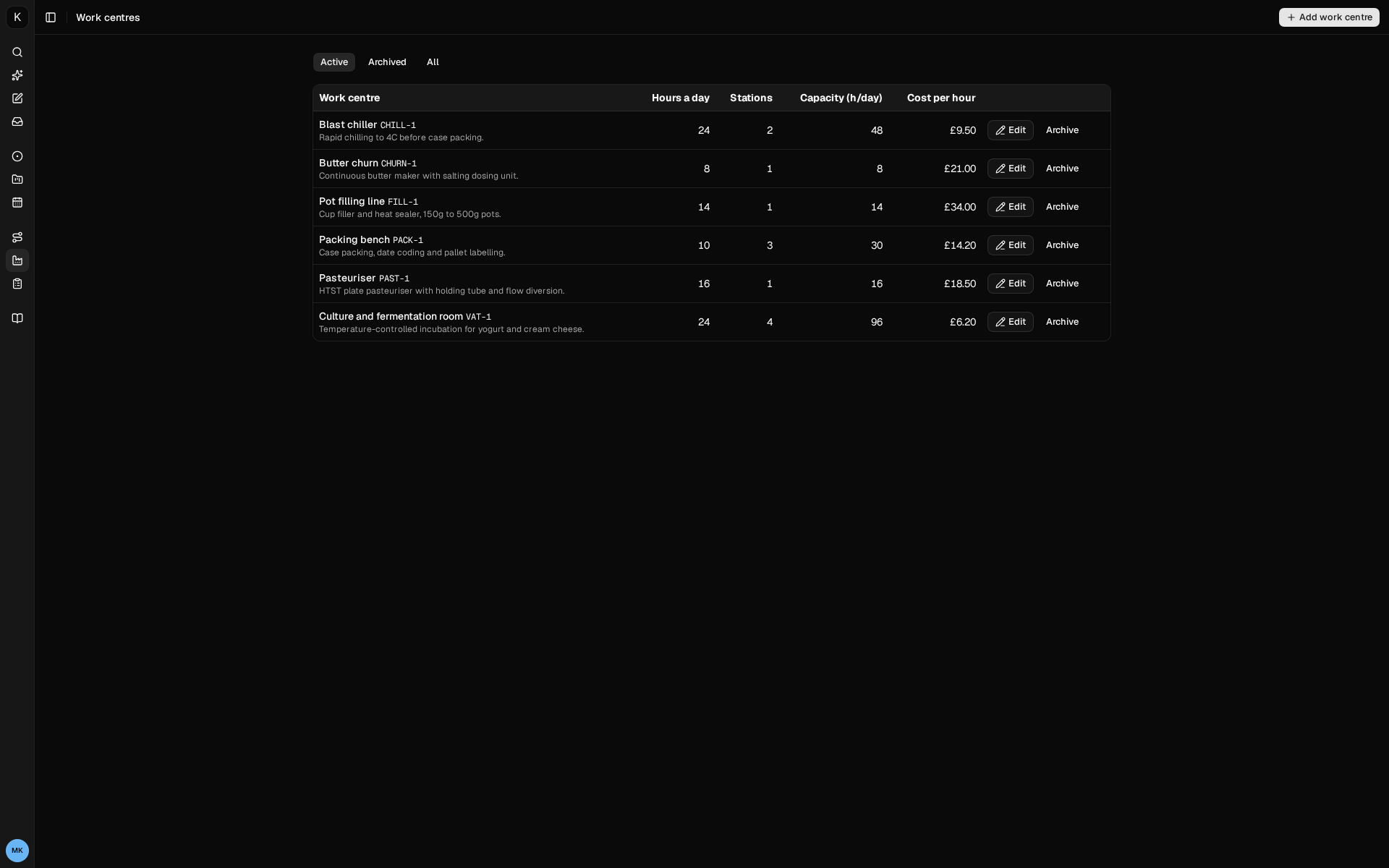
A work centre is where work gets done. It has hours a day per station, how many stations run at once, and a cost per hour. Its capacity is shown, not planned against.
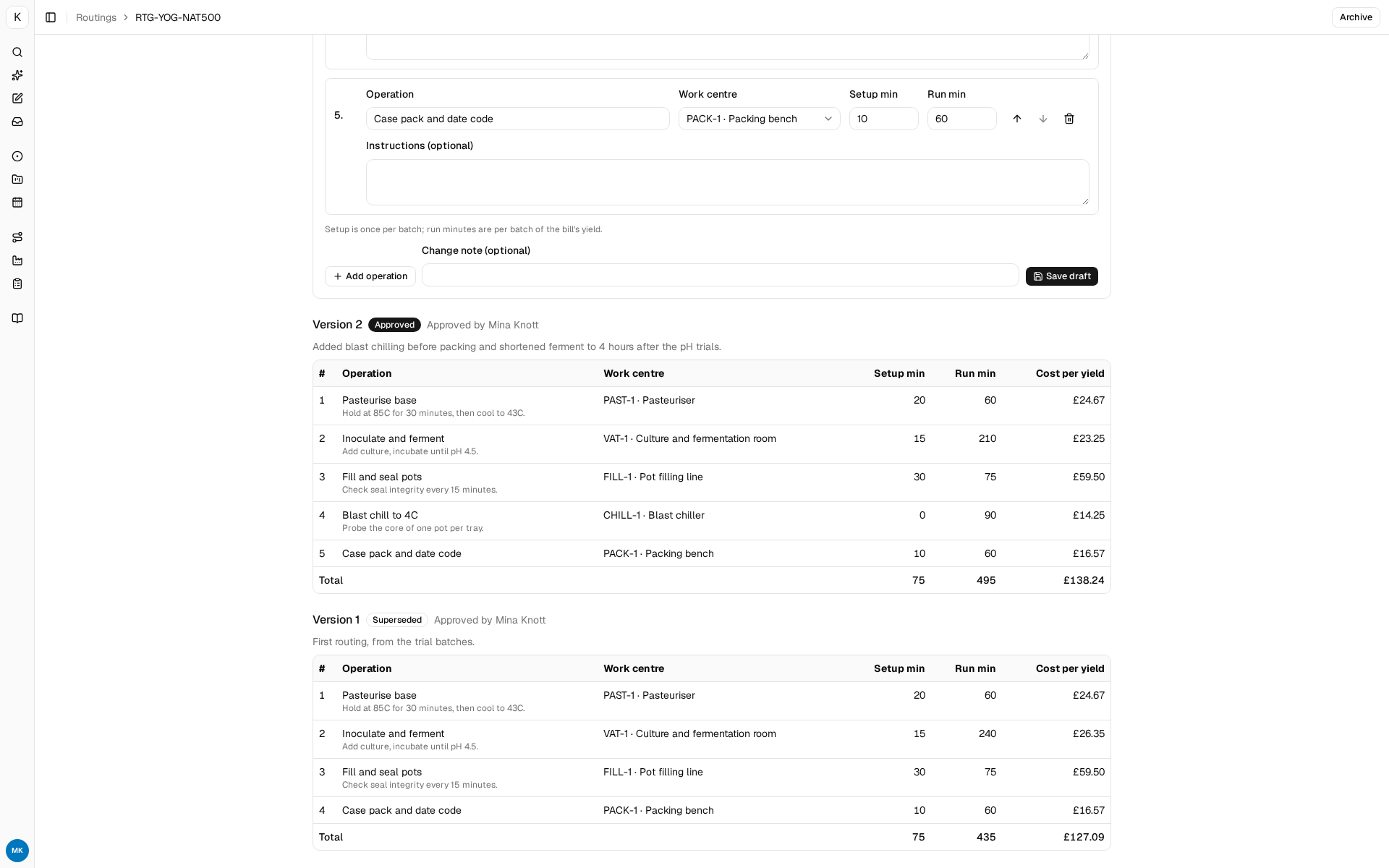
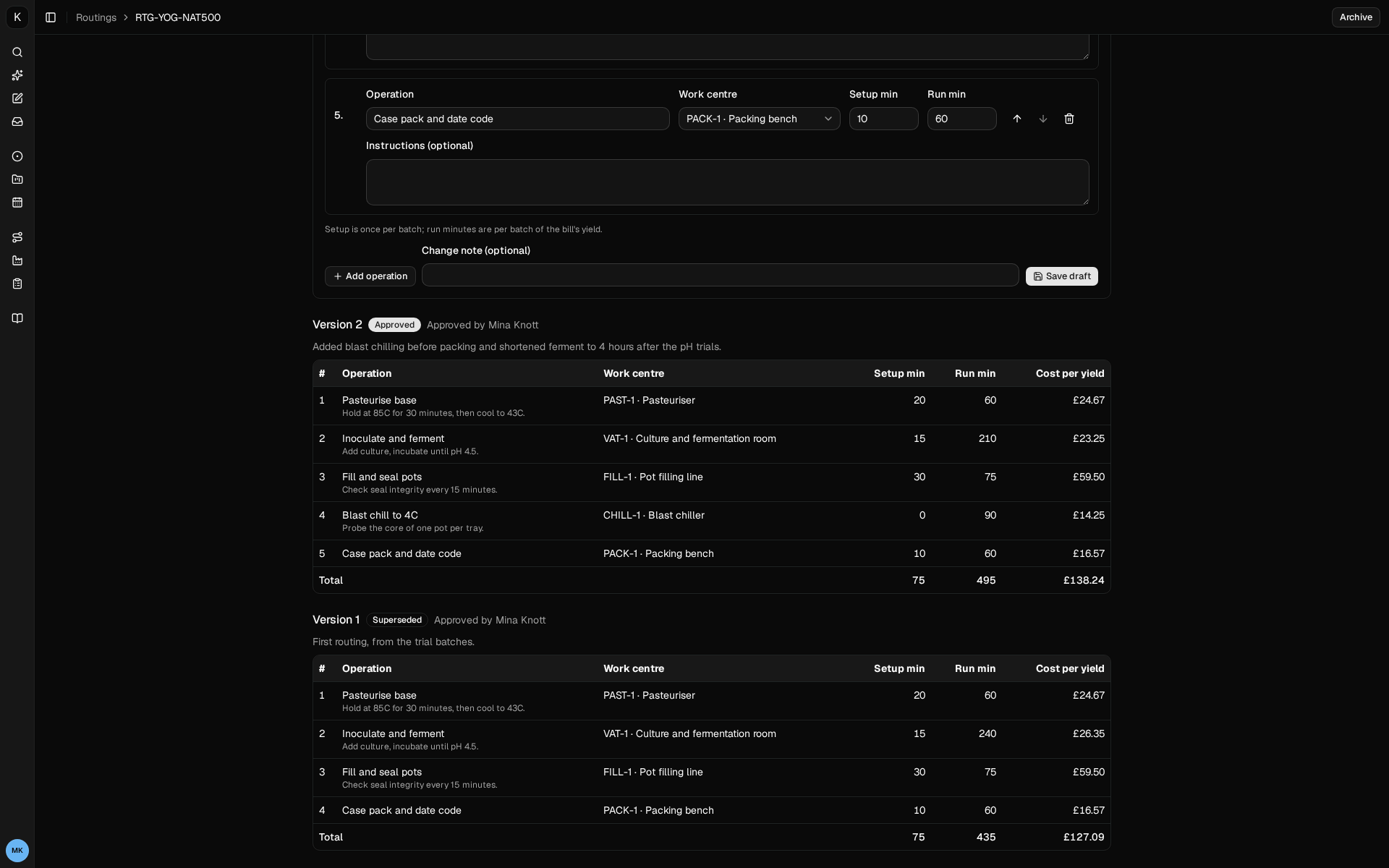
A routing belongs to one bill of materials and lists up to 50 ordered operations. Each has a work centre, setup minutes (once per batch), run minutes and instructions. Routings are versioned and approved by a person, like the bill, and each version shows its expected cost at the current work-centre rates.
Job cards, operation by operation
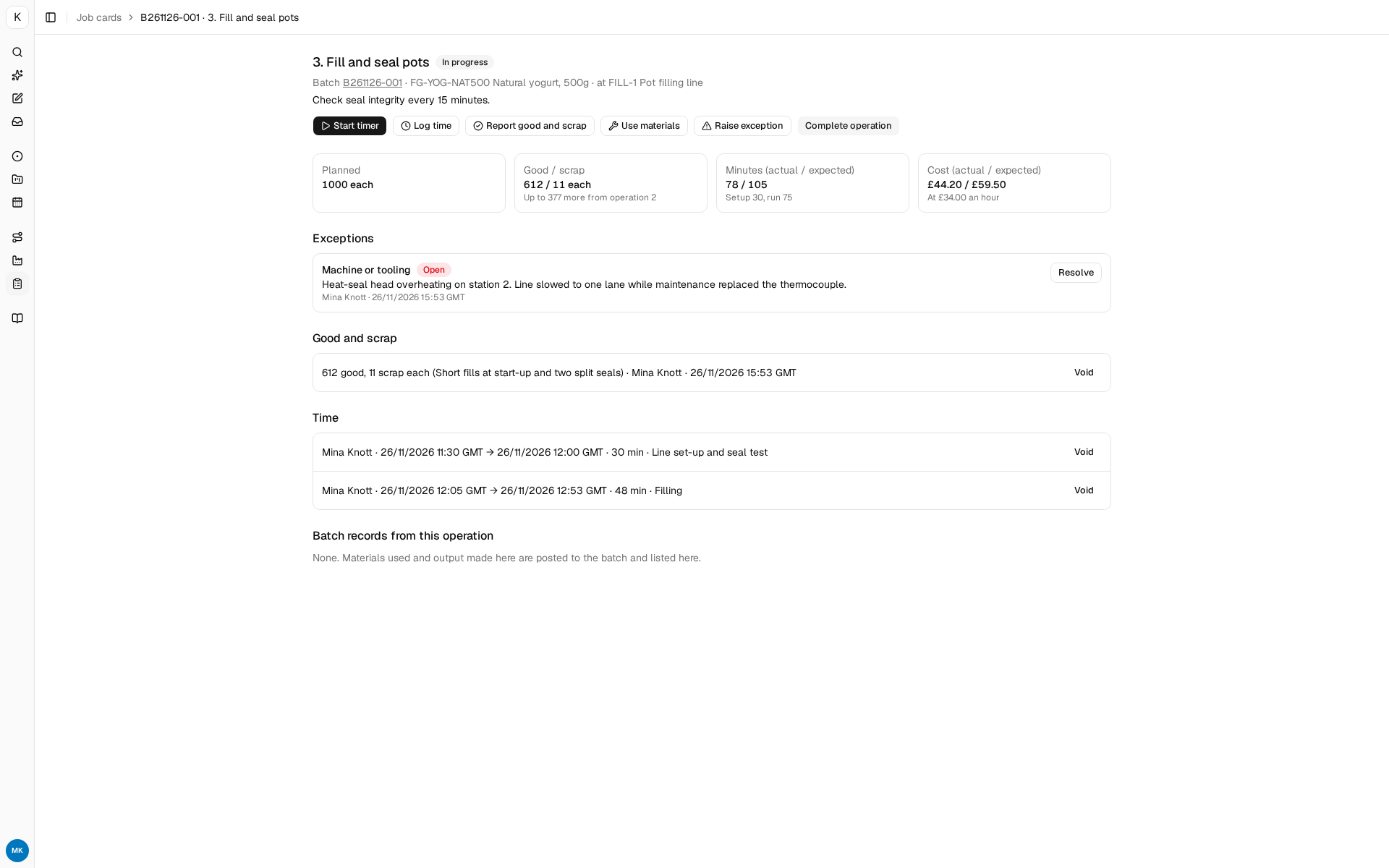
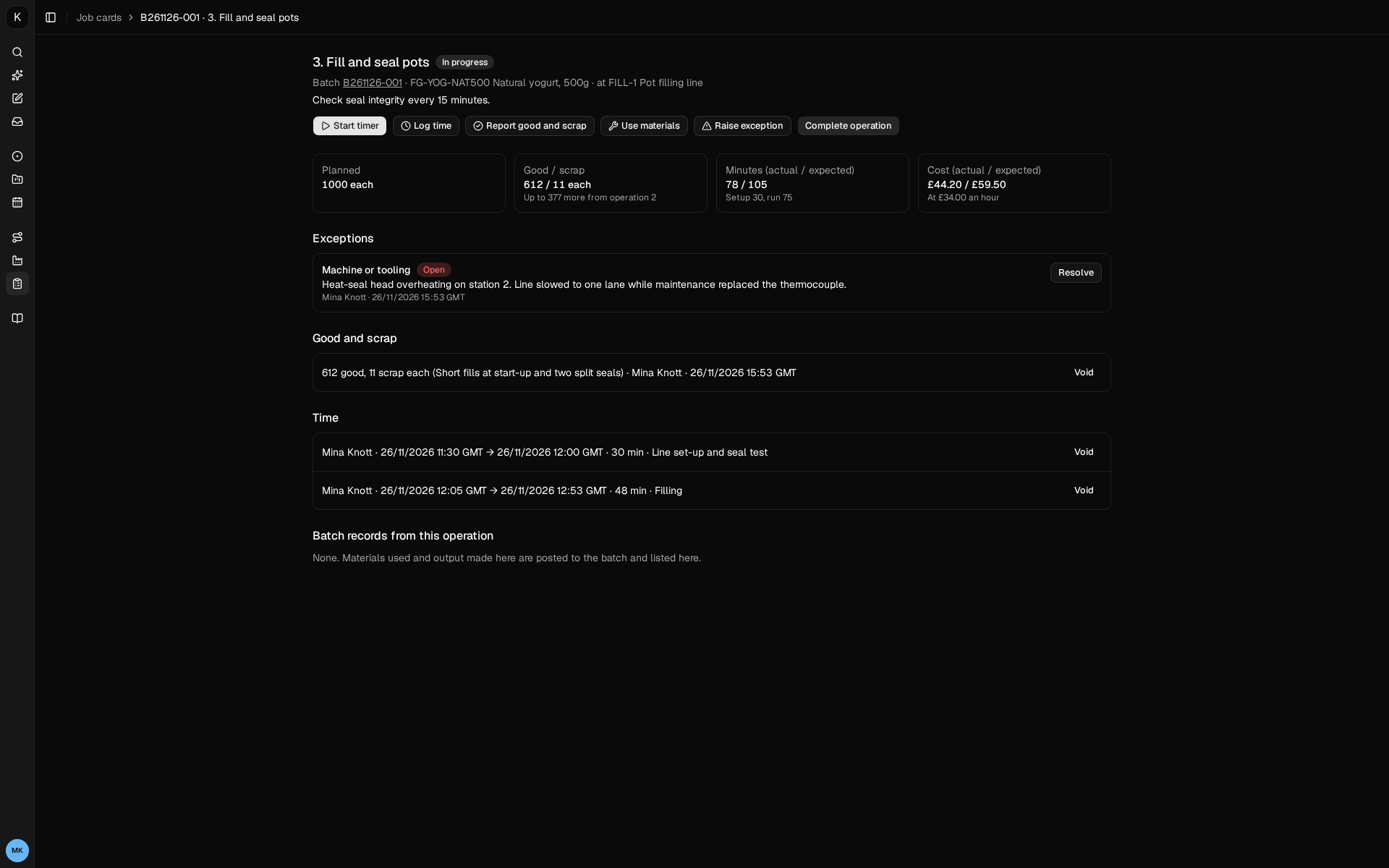
Routings adds a job card to each operation of a production batch, so the floor records what actually happened.
Create the cards
On a planned or in-progress batch, make one job card for each operation of the approved routing. Each card freezes the operation's work centre, cost per hour and expected setup and run minutes for the batch size.
Record time
Run a timer on a card or enter minutes. One timer runs per person per card, and one entry books at most 24 hours.
Report quantities
Record good and scrap quantities. Scrap needs a reason. An operation can't report more than the one before it passed as good.
Raise exceptions
Log a machine, material, quality, labour, delay or other exception against a card. A person resolves it, and the card can't complete while one is open.
Complete in order
An operation completes after the one before it, with something reported. The batch completes once every card has.
Batches stay the ledger
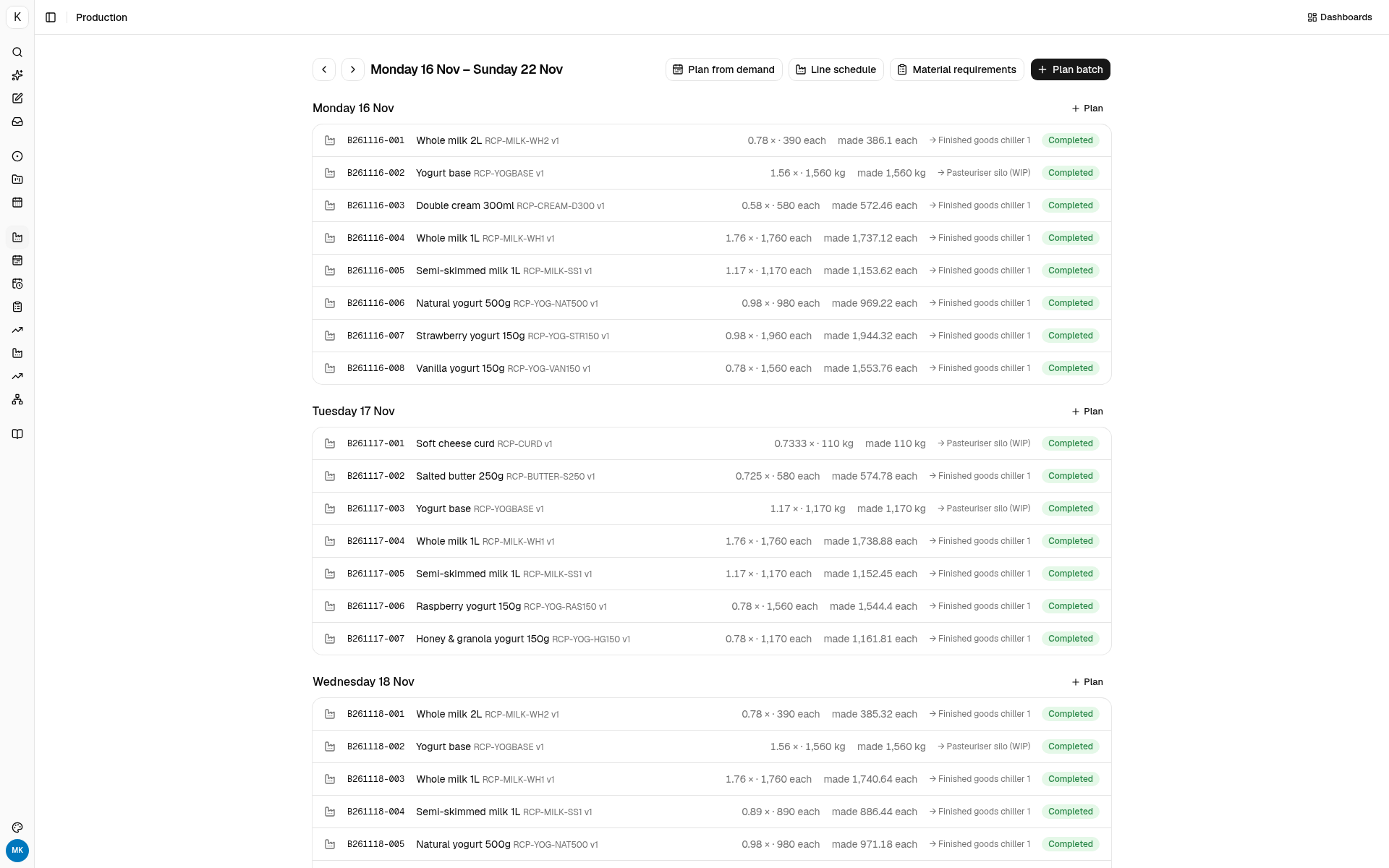
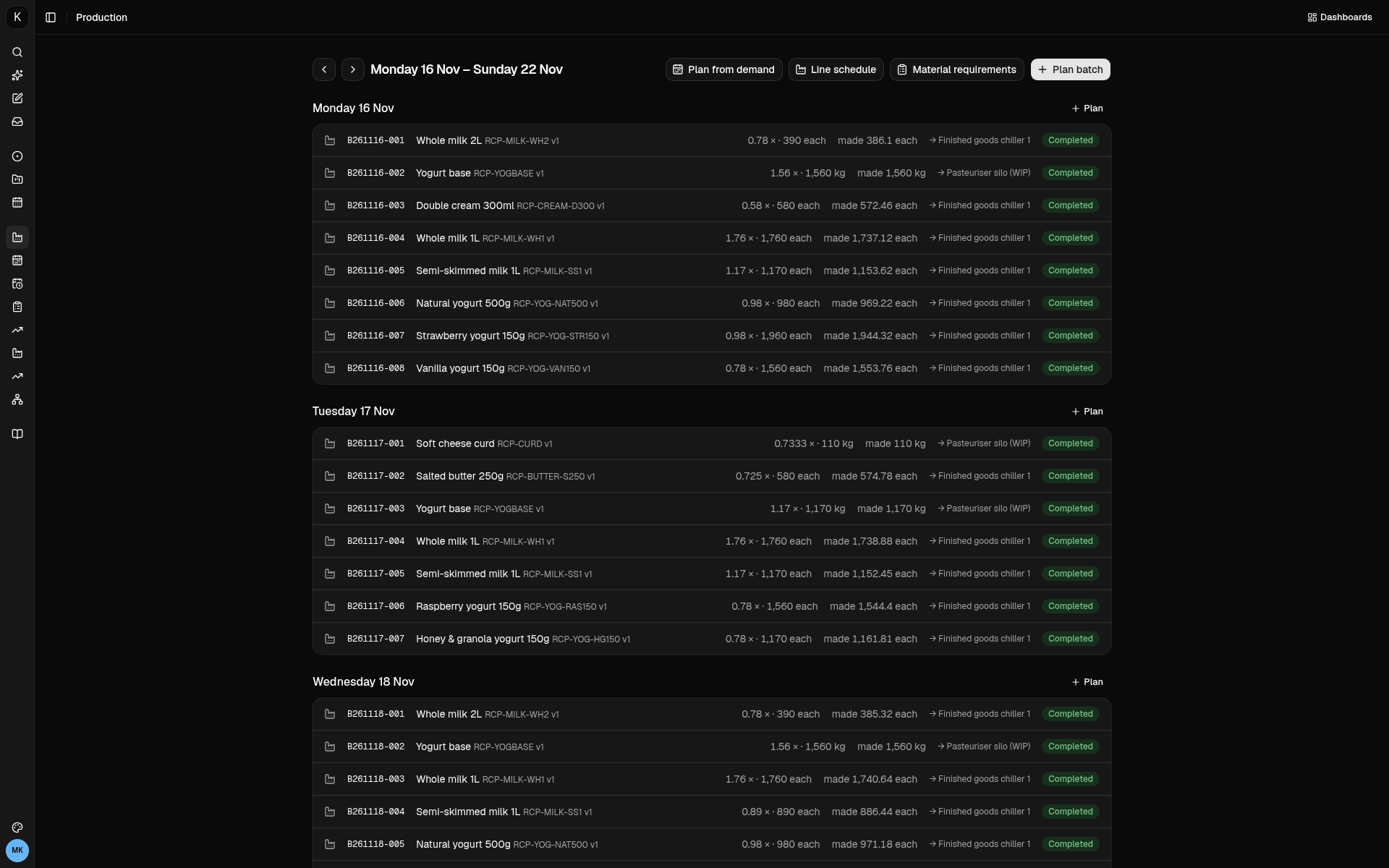
A production batch is planned from the approved version of a bill of materials, and its material requirements are checked against stock. Its batch record consumes real lots and produces new ones.
Materials used at an operation, and the output of the last one, are posted through Production. Reservations, QA release, reversals and lot tracing work as they do for any batch. While Routings is on, a batch with job cards doesn't accept output posted directly, and it can't produce more than the last operation passed as good.
Buy the materials
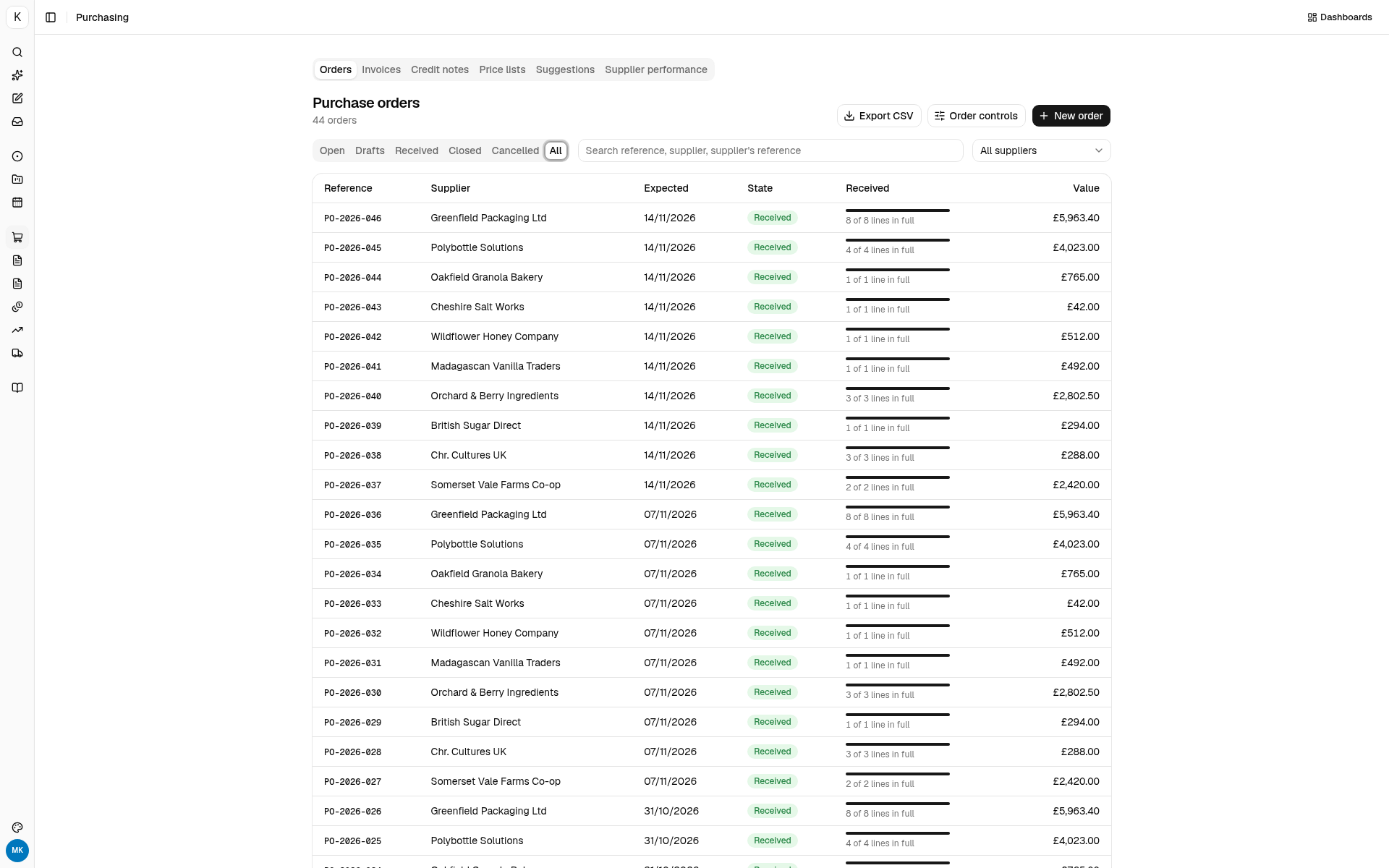
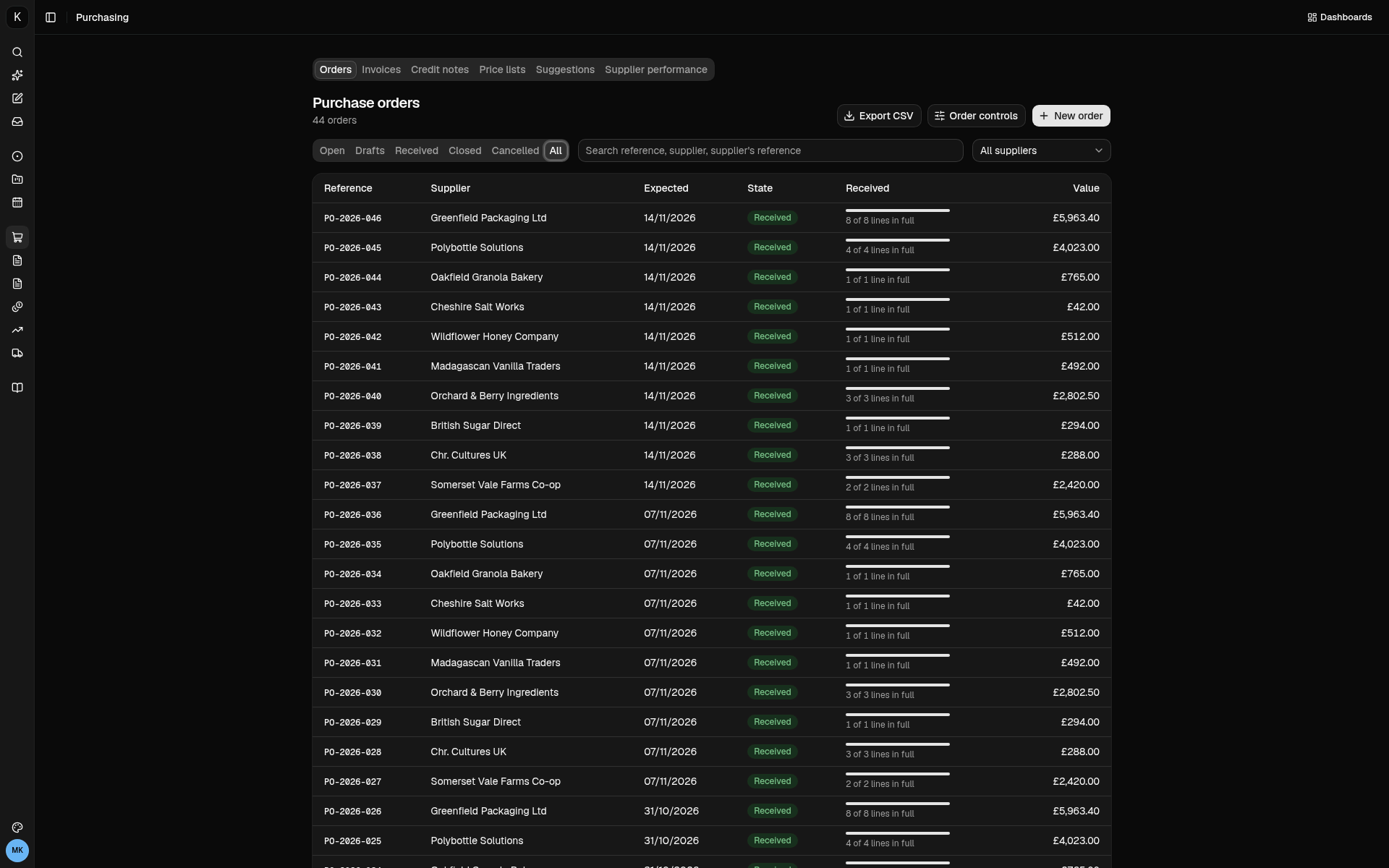
Purchasing raises orders for the materials, components, consumables and spares a build needs, by hand or from the shortfall Production shows. Receive against the order, including part, over and under deliveries, and each stock receipt makes a lot with the supplier's lot code. Services go on lines that don't touch stock.
Match the supplier's invoice against the order and what arrived. Suppliers carry an approval status, and goods from a suspended or rejected supplier are refused at goods-in.
Cost a batch, including work-centre time
Costing works out a batch's actual cost from the lots it used and what they cost to buy, and sets it against standard. With Routings on, the time logged on a batch's job cards is costed at each card's frozen work-centre rate and added to that batch's cost.
Costing's labour and overhead absorption rates are added as well, not netted off. Set a work centre's cost per hour to cover only what those rates don't, or the same hour is counted twice.
Record what goes wrong
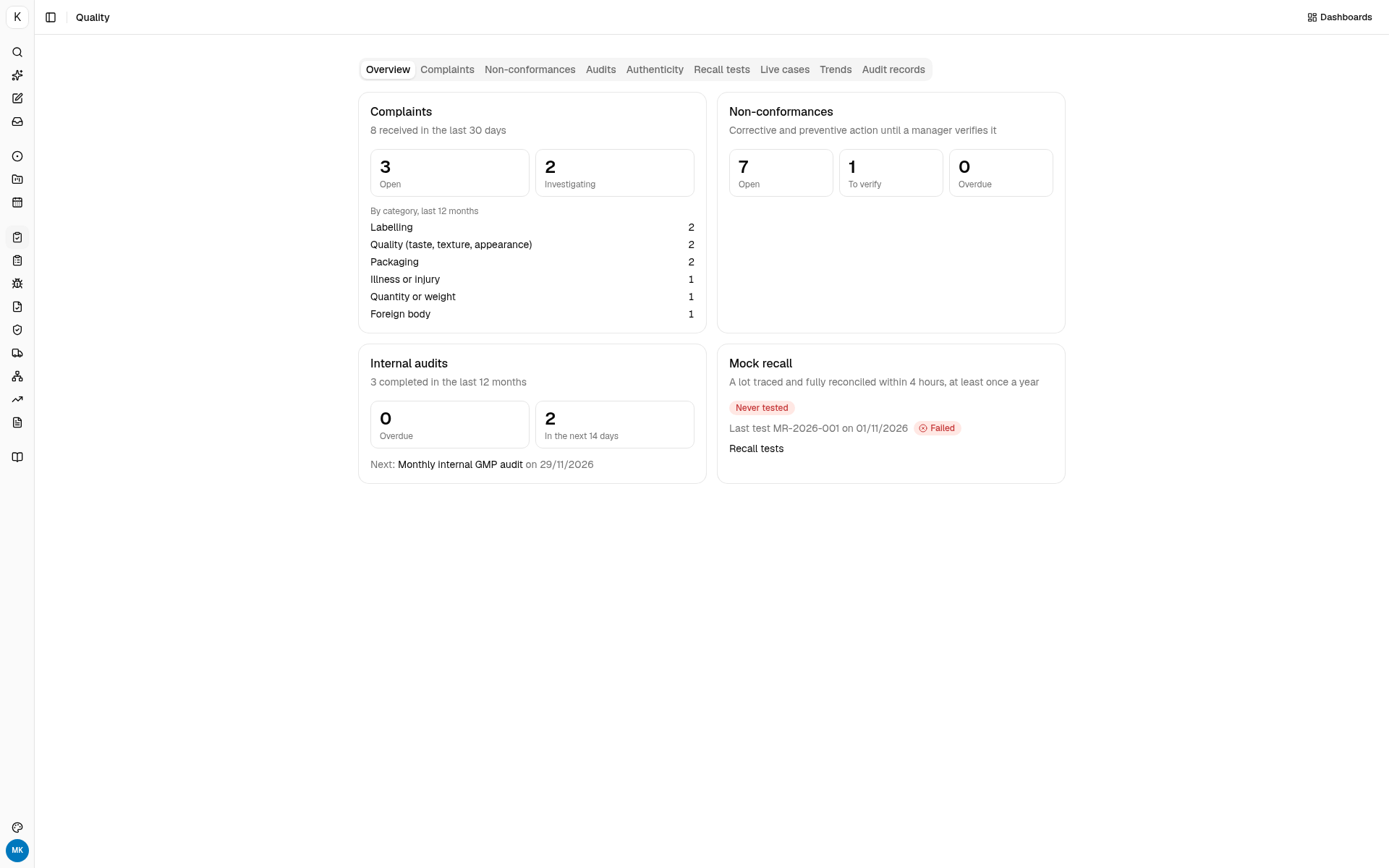
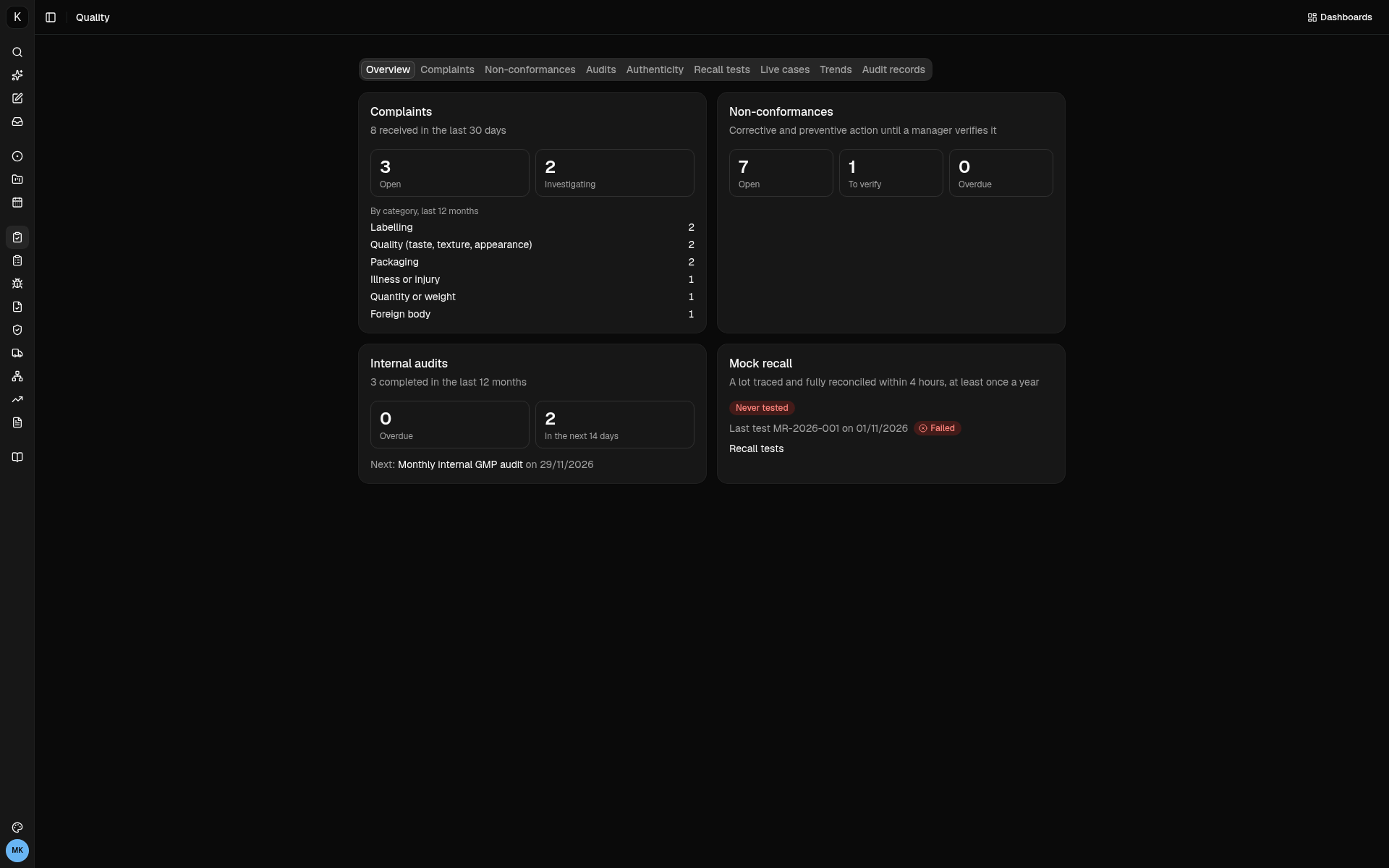
Record anything outside specification as a non-conformance in Quality, with corrective and preventive action that a manager verifies. Exceptions on a job card sit beside it: the card can't complete until a person has resolved them.
The New product build template
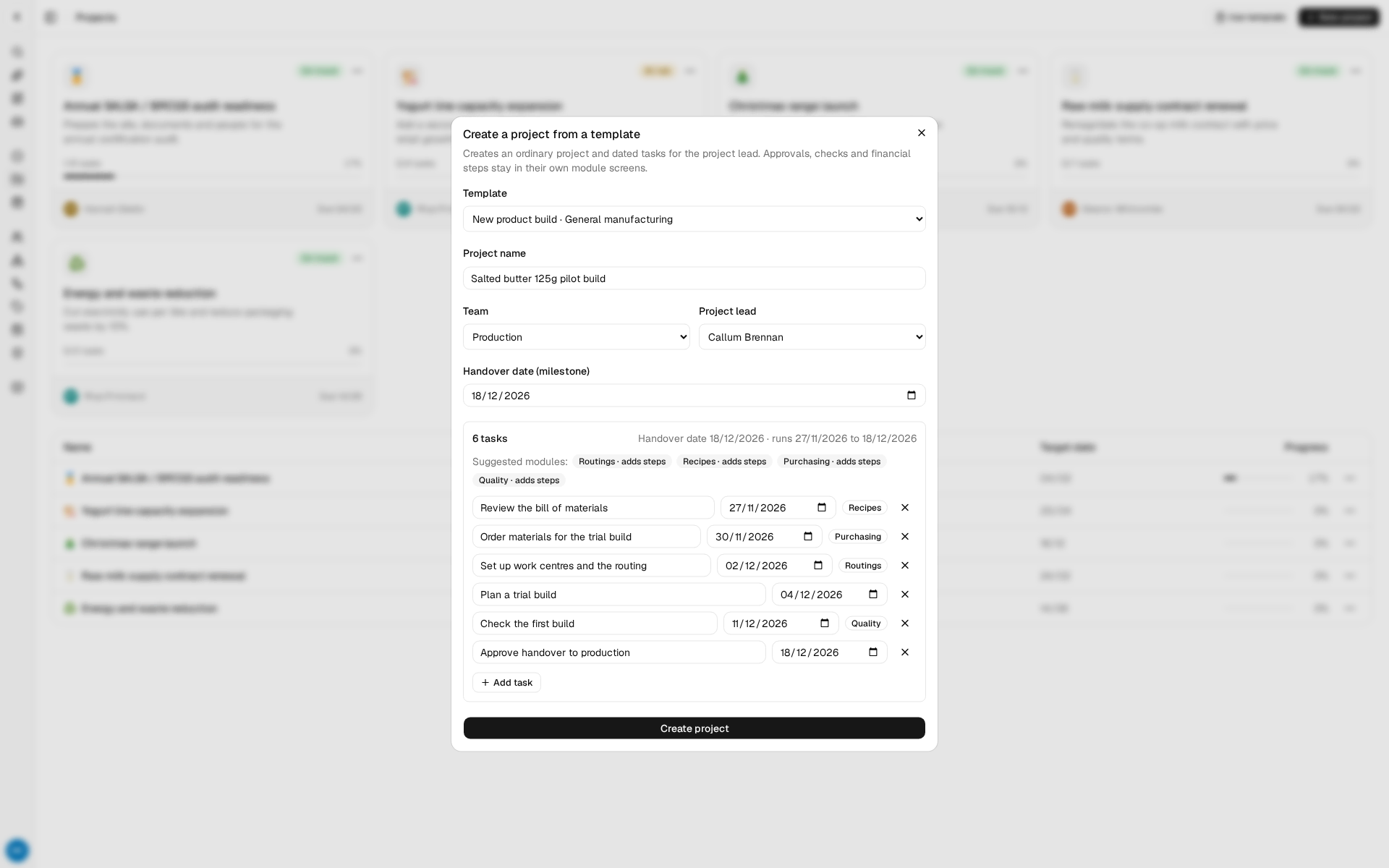
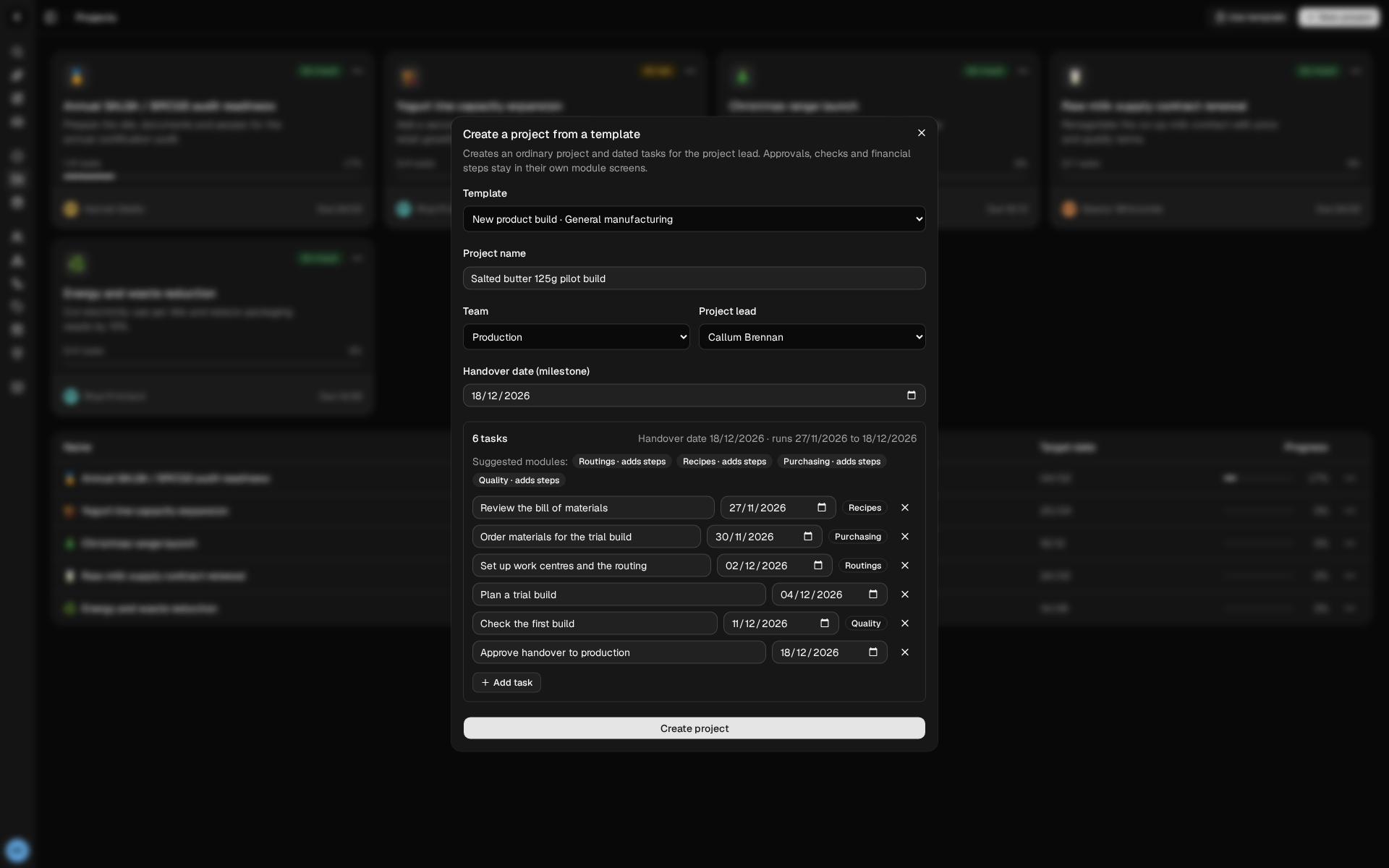
Projects → Use template → New product build makes a project and its dated tasks around a handover date. You choose the team, the lead and the date, and can edit the tasks before you create it. Where a module is on, a step links to its page. With Tasks alone you get the starter tasks. It doesn't create bills, routings or batches.
Review the bill of materials
21 days before handover, with a link to your bills of materials.
Order materials for the trial build
18 days before. Added when Purchasing is on.
Set up work centres and the routing
16 days before. Added when Routings is on: order the operations, give each its work centre and setup and run times, and approve the routing before the trial build.
Plan a trial build
14 days before.
Check the first build
7 days before. With Quality on, record anything outside specification as a non-conformance.
Approve handover to production
On the handover date.
What it isn't
It is built for batch-style discrete builds, and it stops short of a full manufacturing suite.
Capacity isn't scheduled
Work-centre hours are shown, not planned against. Nothing schedules job cards onto work centres or checks a day is overbooked.
One route through the operations
Operations run in a single order. There are no parallel or alternative routings and no subcontracted operations.
Work-centre time is costed per batch
It is added to a single batch's cost. It isn't in the per-unit cost of a produced lot or in period totals, and labour isn't drawn from attendance clock events.
Sales orders don't feed the plan
Sales orders aren't copied into the weekly demand plan or turned into batches. Plan batches yourself, or maintain the demand plan by hand.
It needs lot-based stock
Routings needs Production, which needs bills of materials and Stock. Stock is kept as lots in locations with a movement ledger, so there is no quantity-only mode.
People approve, devices can log
Approving a bill or routing, completing a batch, resolving an exception and voiding a record need a signed-in person. Recording time, quantities and exceptions can be done with an API token, so a shop-floor device can log.
No hosted plan
You run it on your own server. There is no hosted version, no per-seat price and no support contract.
The modules behind this
Each is a separate module, switched on for the installation and then granted person by person.
Operations
- Items and suppliersA catalogue of materials, components, products and services with units, costs and approved suppliers.
- Recipes and bills of materialsVersioned recipes or bills of materials with yields, scaling and cost roll-up, approved before use. Allergens roll up when Food items is on.Needs Items and suppliers.
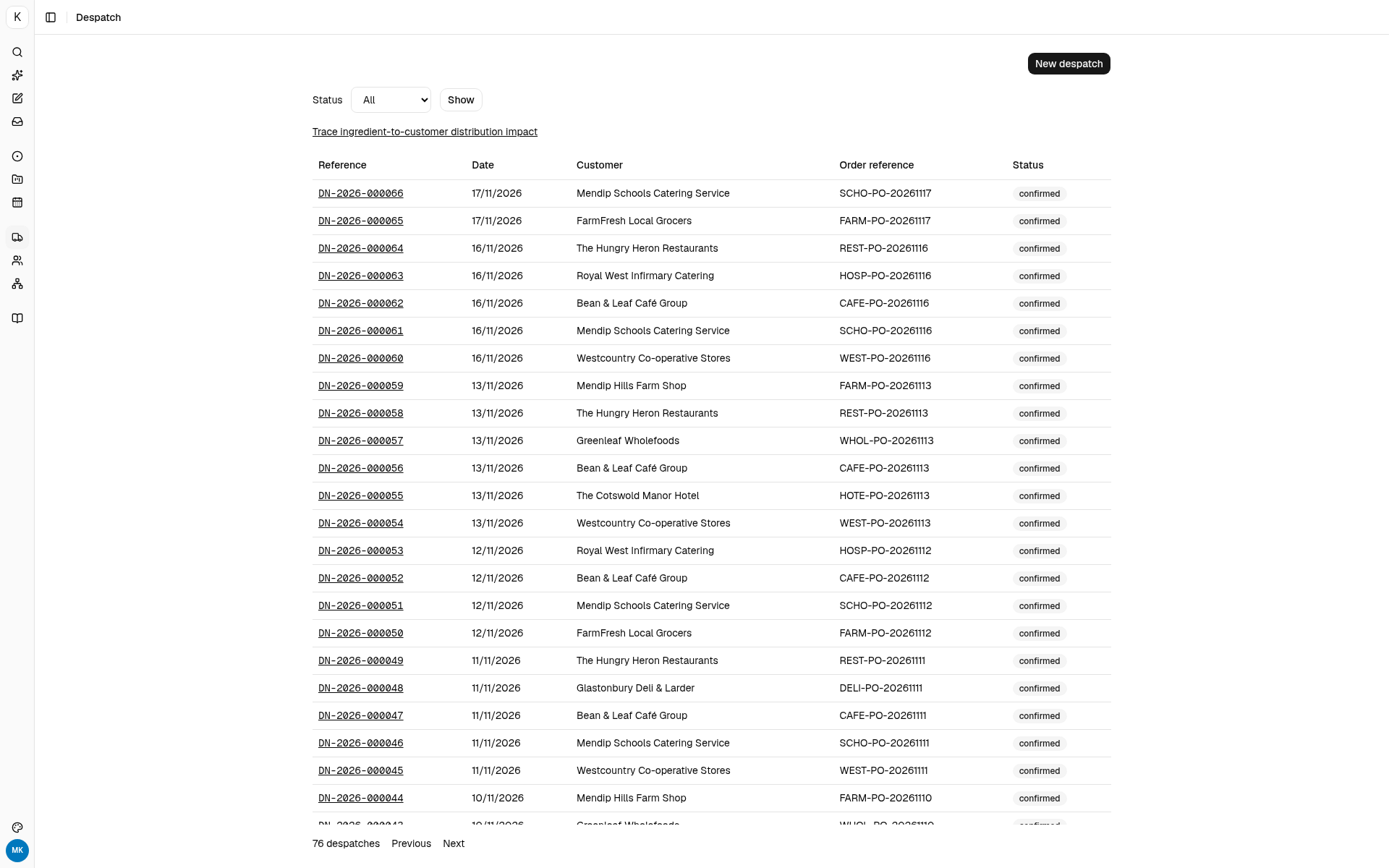
- StockLocations, dated lots, goods-in and an append-only movement ledger with traceability.Needs Items and suppliers.
- ProductionA batch schedule from approved recipes, material requirements against stock, and batch records that consume and produce lots.Needs Recipes and bills of materials and Stock.
- RoutingsWork centres with capacity and cost rates, versioned routings of ordered operations for each bill of materials, and job cards with time, good and scrap quantities and exceptions. Capacity is shown, not scheduled.Needs Production.
- PurchasingPurchase orders for stock and non-stock goods, services and subscriptions, receipts, three-way invoice matching and supplier performance.Needs Items and suppliers.
- CostingActual cost per batch from the lots it used, work in progress, yield variance and standard against actual.Needs Recipes and bills of materials, Production and Purchasing.
- QualityComplaints, CAPA, internal audits, mock recalls, incidents and authenticity assessments.
Questions
- How is this different from the food manufacturing pages?
- It uses the same modules without the food ones. Items and Recipes work without Food items, so there are no allergens, shelf lives or labels to set up, and recipes read as bills of materials.
- Do I have to use Routings?
- No. Production runs batches from approved bills of materials without it. Routings adds work centres, operations and job cards, and it needs Production.
- Does it schedule my machines?
- No. A work centre's capacity is shown, not planned against. There is no finite scheduling, no parallel or alternative routings and no subcontracted operations.
- How is labour costed?
- A work centre has a cost per hour, and time logged on a job card is costed at that rate in the cost of the batch. Costing's labour and overhead rates are added to it, so keep the two from covering the same cost.
- Do sales orders drive production?
- No. Sales orders aren't copied into the demand plan or turned into batches. You plan batches yourself or enter demand by hand, from a CSV or from your sales system.
Up and running this afternoon.
Clone it, set a few values and start it with Docker. Caddy, the web app, the API and Postgres come up together on your own machine. There's no account with us and no per-seat bill.
git clone https://github.com/knotworking-oss/knotworking.git
cd knotworking && cp deploy/env.example deploy/.env
docker compose --env-file deploy/.env up -d --build
Set up Knotworking ERP using the instructions in this Markdown file.
https://knotworking.dev/docs/agent-install.md