Site jobs, equipment and checklists for trades and field teams
Run each job as a project with dated tasks, check the equipment you take and the work you do, order the materials and log the time. Keep maintenance records for the equipment you look after.
Run each job as a project
A job is a project of tasks with owners, estimates, dependencies and a target date, in a list or on a board. People log time on its tasks with a timer or by hand.
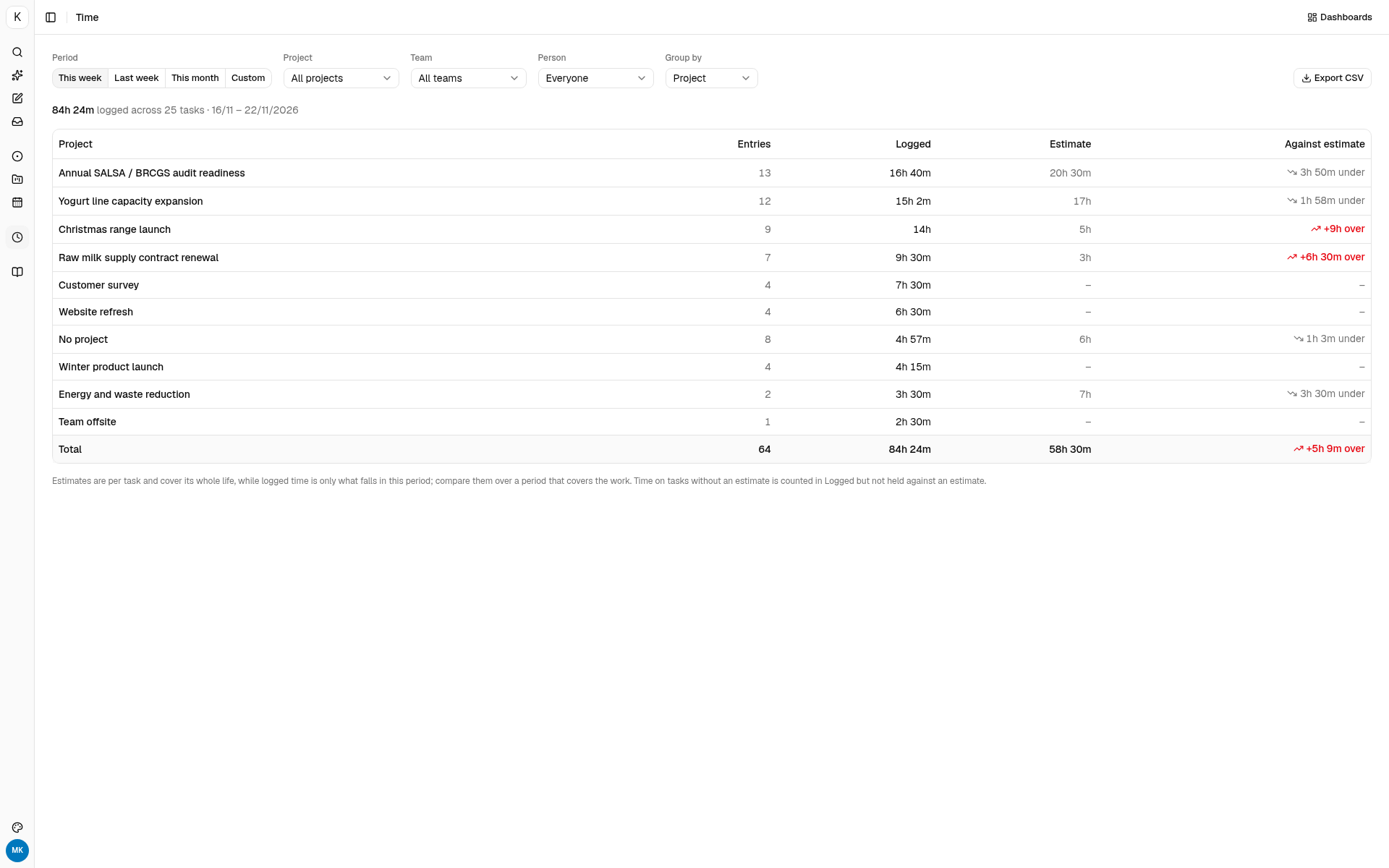
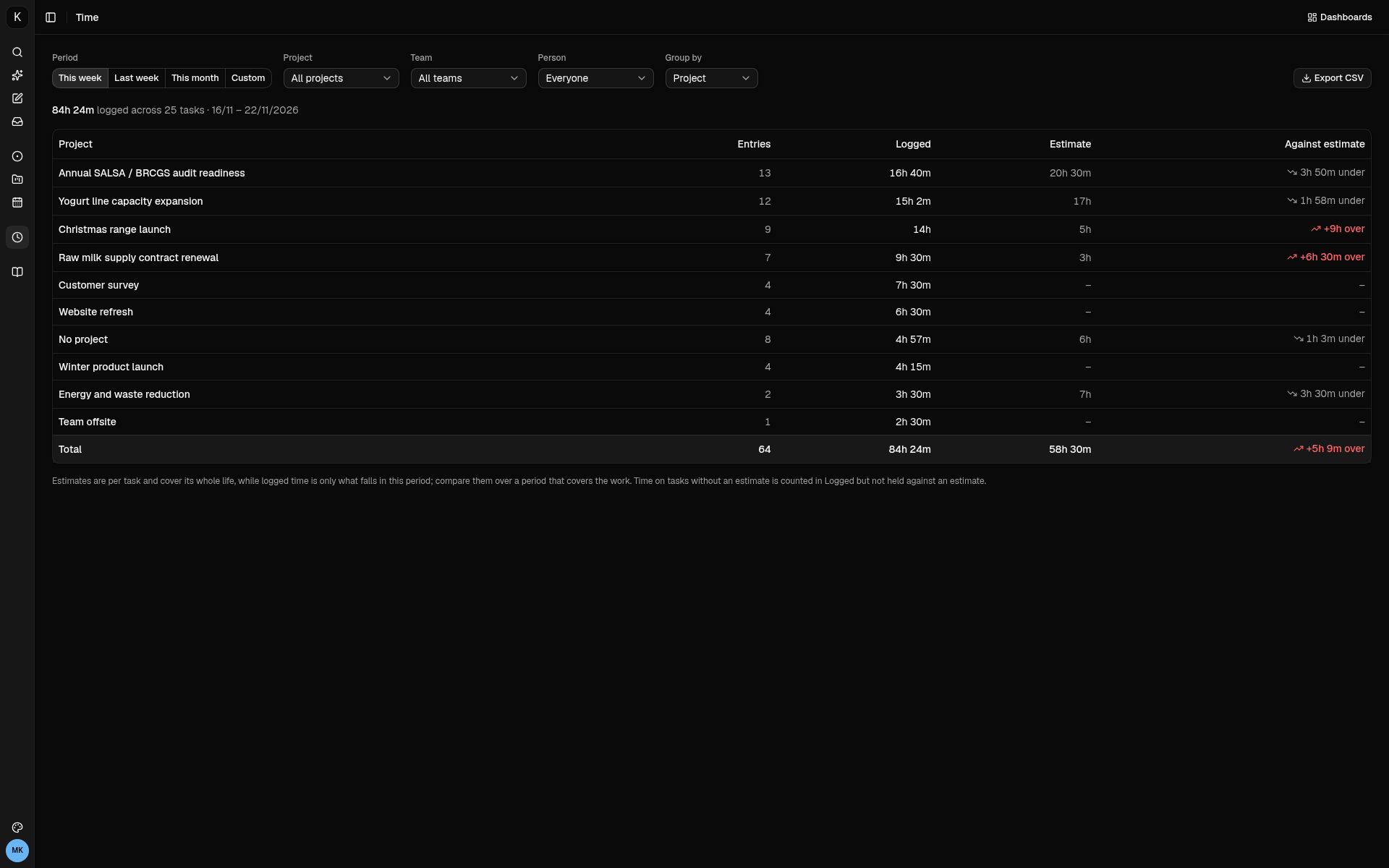
The time report groups what was logged by project, person, task or day, sets it against estimates and exports to CSV, so you can see which jobs ran over.
Know what you look after
The asset register holds areas, equipment, vehicles, IT and tools: a code, where each one is, make, model and serial number, purchase and warranty details, and the person who looks after it.
Maintenance adds recurring tasks with a frequency, a record of each piece of work done and work orders for breakdowns and requests, with a priority, an assignee, a contractor, spares used and costs. A task can ask for a manager's return-to-service clearance.
Checklists that raise follow-ups
Make a checklist for a site check, a handover or any other routine, and run it on a schedule or whenever you need it. Each item gets a pass, a fail or not applicable, and a failure needs a note.
A failed check opens a follow-up listing the failed items, and a person records the resolution. Correcting a check keeps the earlier result in the history. Checklists works on its own.
Order materials for a job
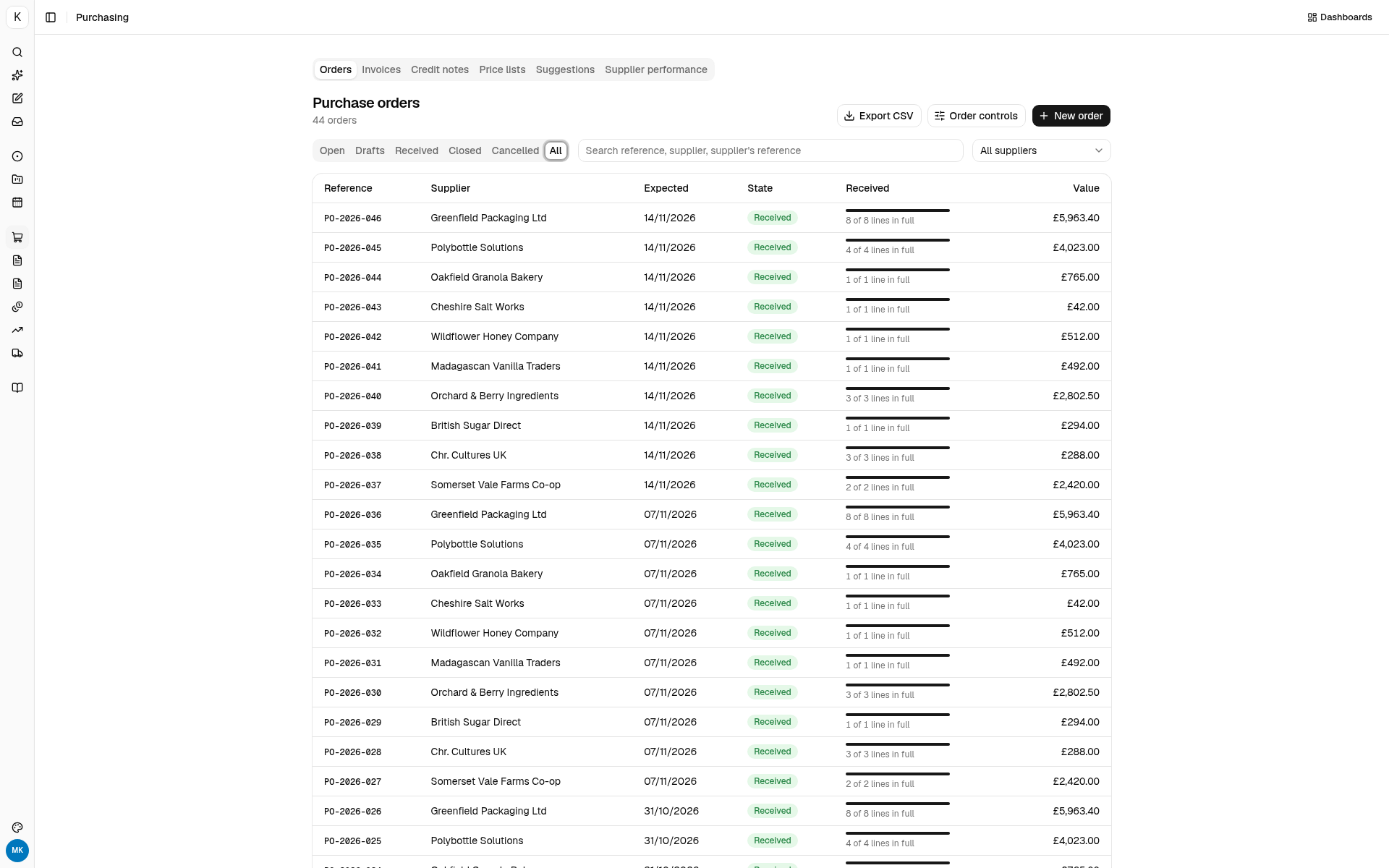
Purchasing with Items and suppliers raises orders for materials, services and other goods you don't keep in stock. Each line has a description, a quantity and, if you know it, a price per unit. Record what arrives and match the supplier's invoice against the order and the receipt. Stock isn't needed.
Purchase requests lets someone ask for approval before they spend. A designated approver records the decision. It is an internal approval only: ordering and payment happen elsewhere.
Quote and bill the job
Client services quotes a job at a fixed fee or an hourly rate, records the customer's acceptance and starts a delivery project. When a manager signs off the work, the billing amount is frozen and finance can download a draft billing CSV.
With the optional Invoicing module on, you can draft an invoice from the signed-off quote or write one by hand. You choose each line's tax rate and issue it as a numbered PDF. Nothing is emailed from Knotworking.
Two project templates for field work
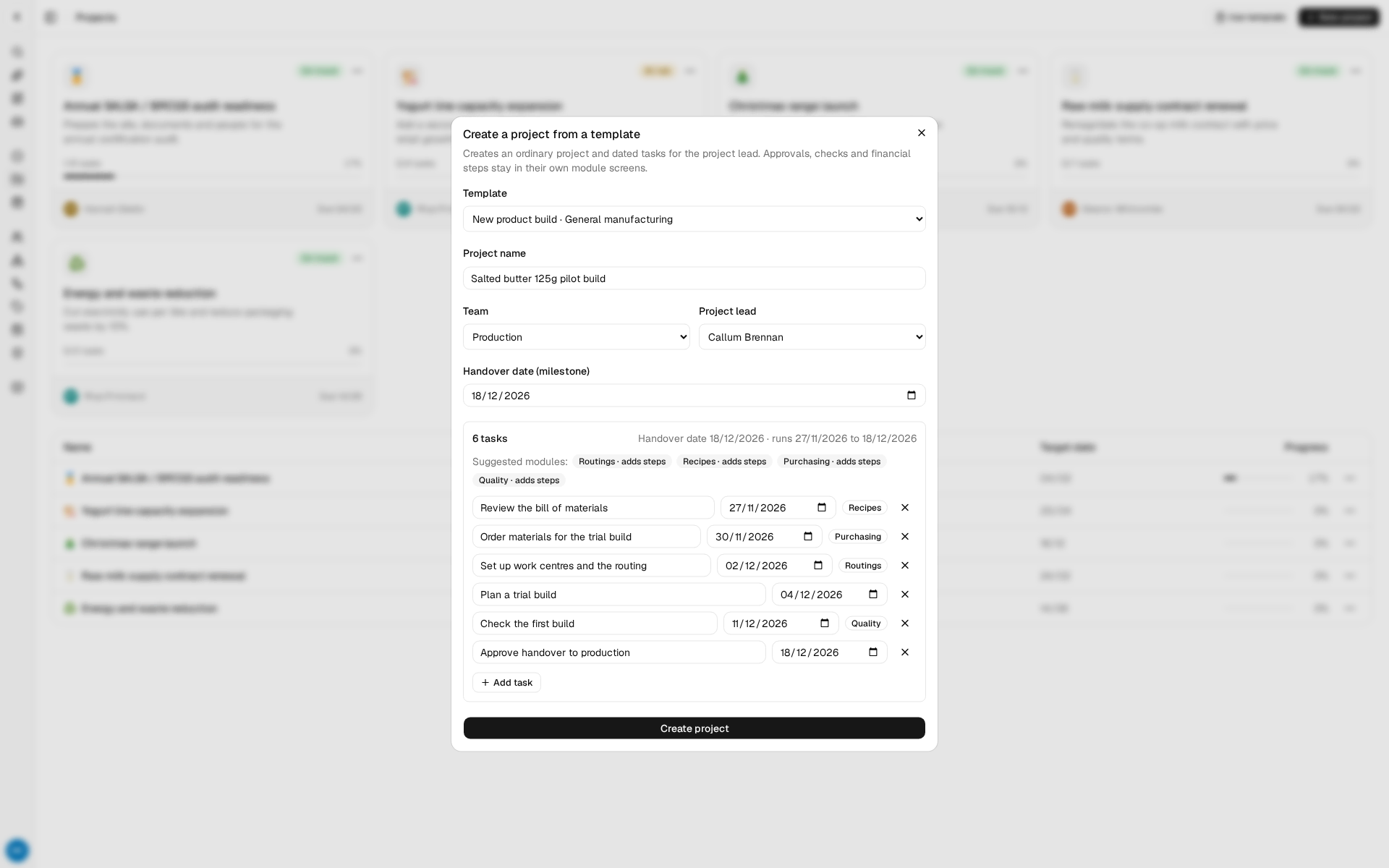
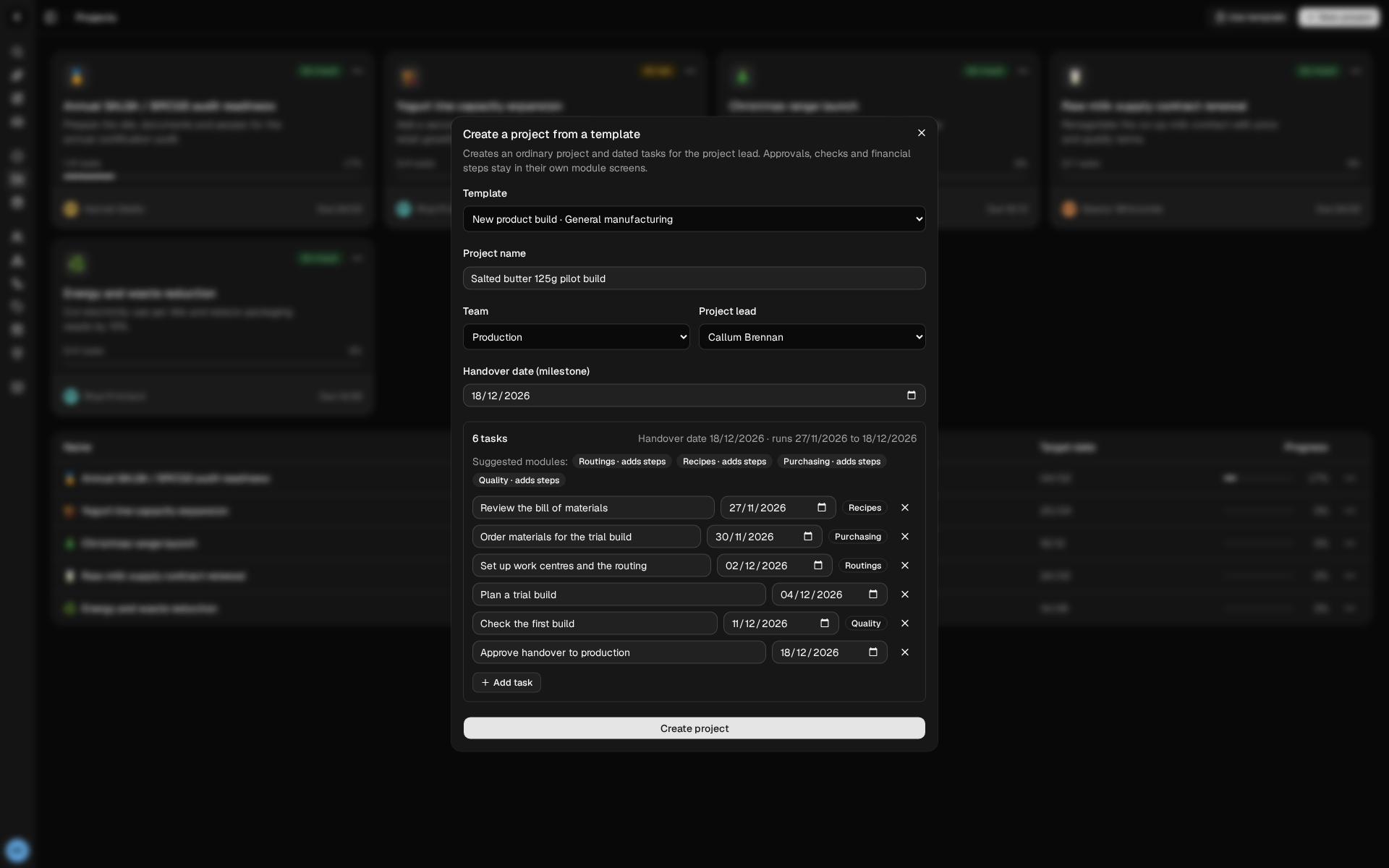
Projects → Use template creates a project and its dated tasks in one step. You choose the team, the lead and a date, and each task's due date is worked out from it. Where a module is on, a step links to the page where the work is done. With Tasks alone you get the starter tasks.
Site job
Dated around the visit: schedule the visit with the customer (5 days before), order materials for the job with Purchasing (4 days before), prepare tools and equipment against the asset register (the day before), complete the site checklist on the day, and hand over the work (the day after). Failed checklist items raise follow-up actions.
Equipment commissioning
Dated around the commissioning date: register the asset with its make, model, serial number and location (2 days before), carry out acceptance checks with a checklist, record warranty details on the asset (the day after) and set up recurring maintenance for it (3 days after).
What it isn't
It tracks jobs, equipment and checks. It doesn't run your diary or your fleet.
No scheduling or dispatch board
The Site job template starts with a task to schedule the visit, and that is all scheduling is. There is no job calendar, route planning or crew allocation.
No field-service module
There are no service tickets, SLAs, service contracts or customer portal. Work orders are for maintaining the assets you look after, not for customer call-outs.
Calendar sync isn't proven
The Calendar module is off by default. Its optional sync with Google Calendar and Microsoft 365 hasn't been run against live accounts.
No payments
Invoicing issues numbered invoices and credit notes. It doesn't record payments, chase them or email the invoice. Your accounting software keeps the ledger.
Quotes are one scope and one price
A Client services quote is fixed or hourly, with no line items or stage payments. Nothing is sent to the customer, and acceptance is recorded by a person.
Your team runs the installation
Knotworking is self-hosted, with no hosted plan or support contract. Installation, updates and backups are yours.
The modules behind this
Each is a separate module, switched on for the installation and then granted person by person.
Work
- Tasks and projectsTeam workflows, priorities, labels, estimates, subtasks and dependencies, in lists and boards. Projects carry status, health, a lead and live progress.
- Time trackingTimers and logged time on tasks, with reports by project, person, task or day.Needs Tasks and projects.
Operations
- AssetsA shared register of areas, equipment, vehicles, IT and tools, with locations, purchase and warranty details, and owners.
- MaintenanceRecurring asset maintenance, completed work records and work orders for breakdowns and requests.Needs Assets.
- ChecklistsReusable checklists, recurring schedules, completed checks and follow-up actions for failures. Site programmes can use them for food checks.
- PurchasingPurchase orders for stock and non-stock goods, services and subscriptions, receipts, three-way invoice matching and supplier performance.Needs Items and suppliers.
- Items and suppliersA catalogue of materials, components, products and services with units, costs and approved suppliers.
Sales and finance
- Purchase requestsSpending requests with a designated approver, who records the decision and a reason for any rejection. An internal approval only: ordering, receipt and payment happen elsewhere.
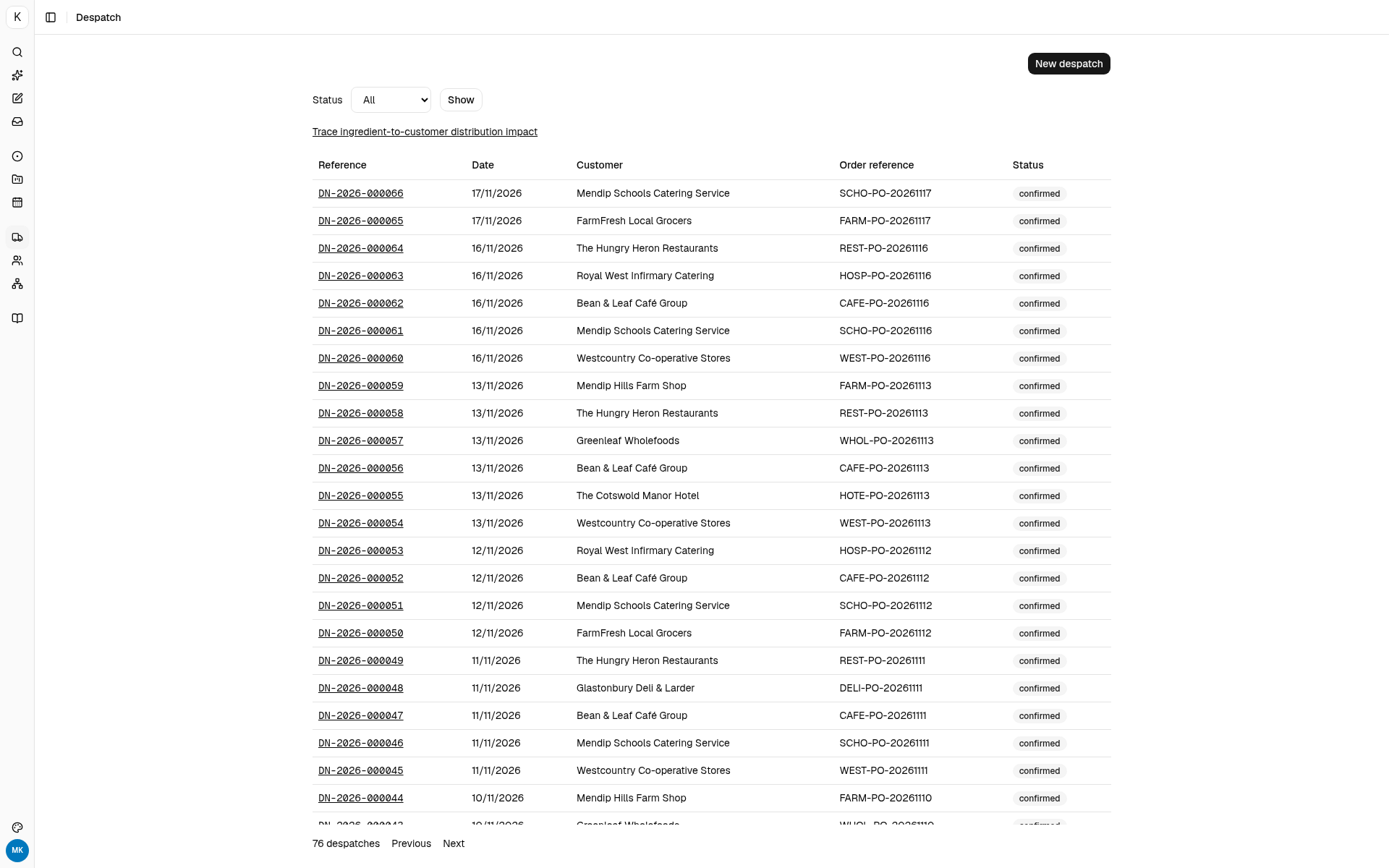
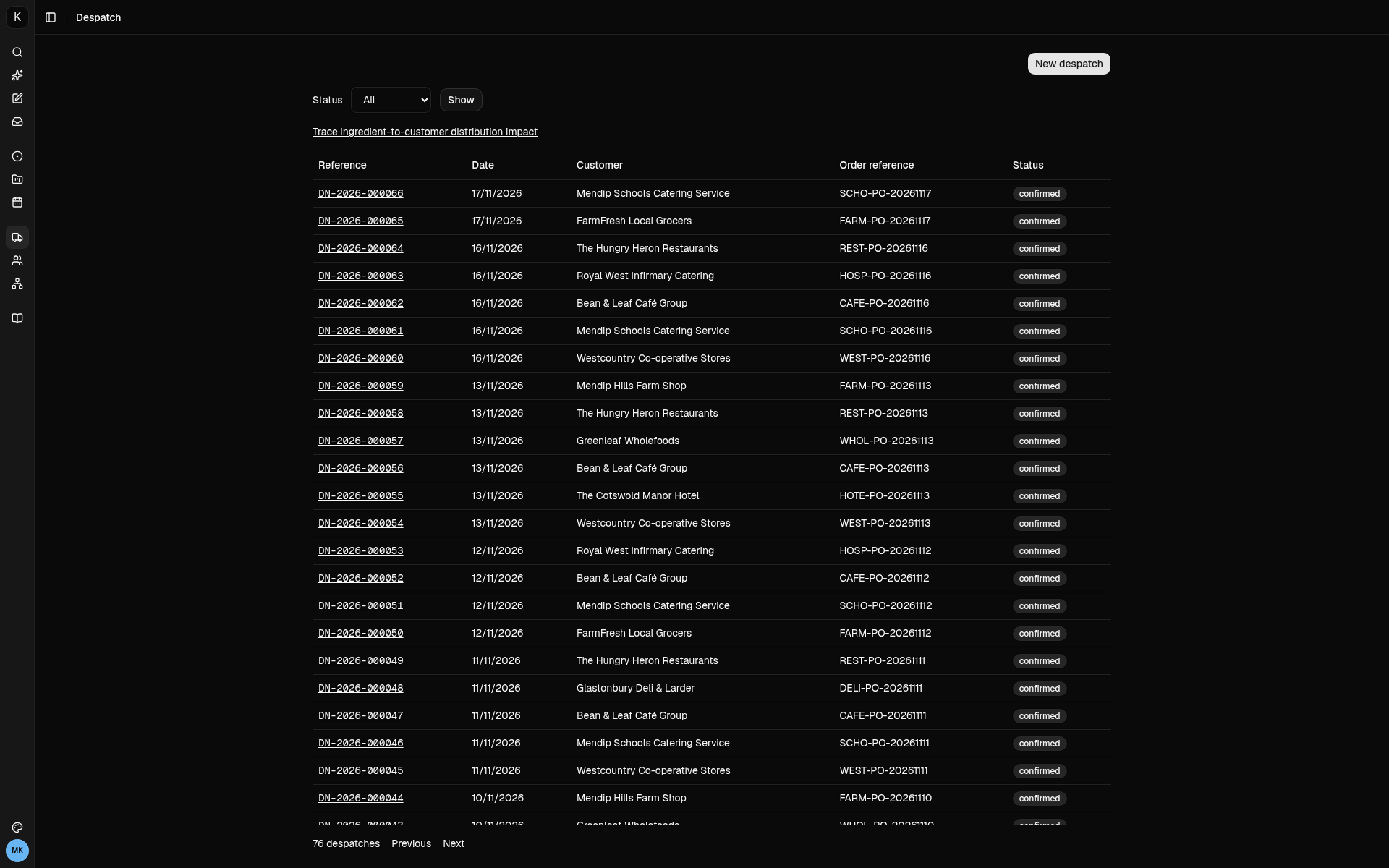
- CustomersCustomer accounts, addresses and contacts, shared by sales, despatch, CRM and invoicing.
- Client servicesFixed-fee and hourly service quotes, a delivery project, manager sign-off and a draft billing CSV for finance. With Invoicing on, sign-off can also draft an invoice. A person records the customer's acceptance.Needs Customers and Time tracking.
- InvoicingCustomer invoices and credit notes, drafted by hand or from sales orders, despatches and signed-off service quotes, and issued as numbered PDFs. No payments, reminders or emailing.Needs Customers.Opt-in: it only runs when you name it.
Questions
- Is there a scheduling or dispatch board?
- No. A job is a project with dated tasks. The Site job template's first task is to schedule the visit, but there is no job calendar or crew allocation.
- Do I need every module?
- No. Every template works with Tasks alone, and a step links to a module's page only where that module is on. The General Business preset includes Assets, Time and Client services. Maintenance, Checklists, Items and Purchasing are enabled by an admin under Workspace settings, Modules.
- Can I track a customer's equipment?
- Not as such. The register is for assets you look after, each with a person who looks after it. It has no service contracts or customer equipment history.
- Can I invoice from a job?
- Optionally. Turn on Invoicing to draft an invoice from a signed-off Client services quote or by hand, then issue a numbered PDF. It isn't emailed, and payments aren't recorded.
- What happens when a checklist item fails?
- A failed item needs a note and opens a follow-up. A person records its resolution. If you correct the check, the earlier result stays in the history.
Related solutions
- Business operationsRecurring checks, maintenance, quality and non-stock purchasing.
- Professional servicesFixed-fee or hourly quote to delivery project, sign-off and a billing CSV or invoice.
- Wholesale and distributionSupplier to purchase order, lot stock, customer order, despatch and invoice.
In the docs
Up and running this afternoon.
Clone it, set a few values and start it with Docker. Caddy, the web app, the API and Postgres come up together on your own machine. There's no account with us and no per-seat bill.
git clone https://github.com/knotworking-oss/knotworking.git
cd knotworking && cp deploy/env.example deploy/.env
docker compose --env-file deploy/.env up -d --build
Set up Knotworking ERP using the instructions in this Markdown file.
https://knotworking.dev/docs/agent-install.md